MiniDV Tapes Explained (And How to Watch Them Today)

If you’ve recently found a box of small camcorder tapes labelled MiniDV, you’re not alone. MiniDV tapes were extremely popular in the late 1990s and early 2000s and were widely used to record family events, holidays and home videos.


Many people still have these tapes stored away, but no longer have the camcorder needed to play them.


Because of this, a common question people ask today is: how do you watch MiniDV tapes?


In this guide we’ll explain what MiniDV tapes are, how they work, and the different ways you can watch or convert them into modern digital formats.

What Are MiniDV Tapes?

MiniDV stands for Mini Digital Video. It was introduced in the mid-1990s as a compact tape format designed for digital camcorders.


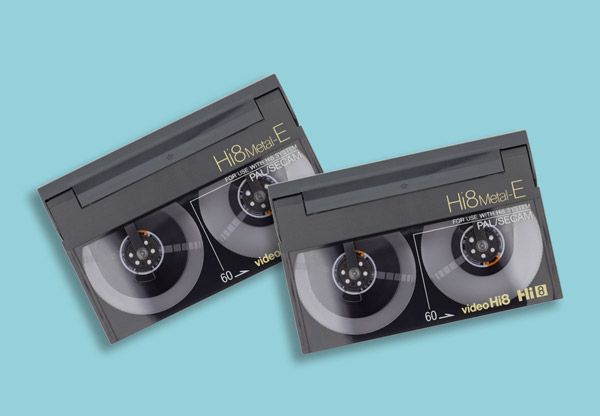
Unlike earlier camcorder formats such as Video8 or Hi8, which recorded analogue video, MiniDV tapes record video digitally.


This offered several advantages at the time, including:


  1. Higher picture quality.
  2. Digital audio recording.
  3. Smaller tape size.
  4. More reliable video playback.


MiniDV quickly became one of the most widely used camcorder formats before memory cards and hard-drive recording replaced tape-based cameras.

How Big Are MiniDV Tapes?

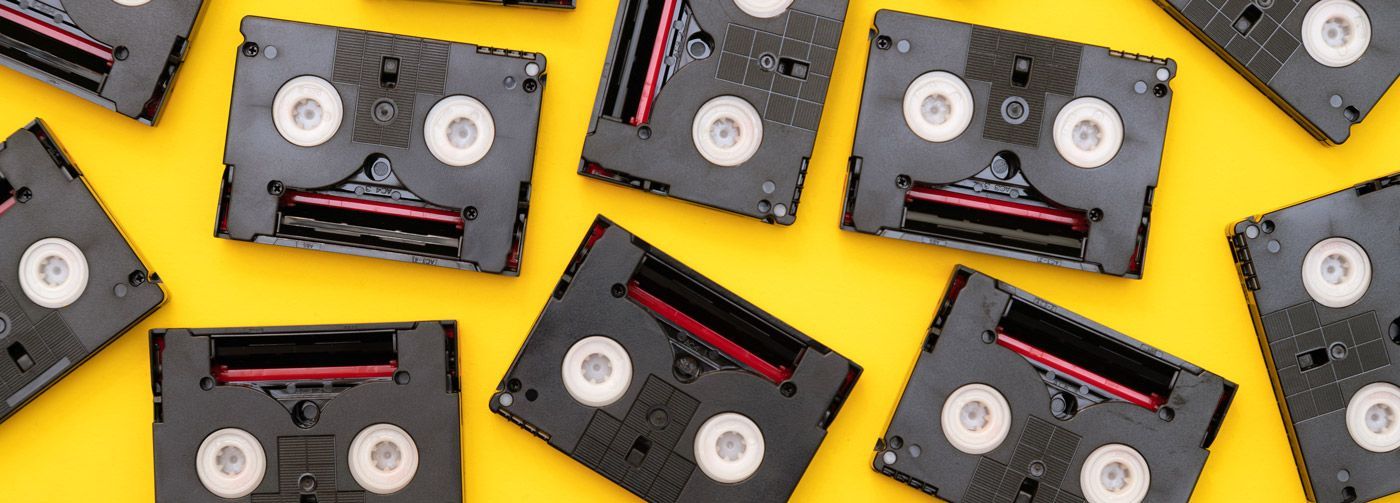
MiniDV tapes are small rectangular cassettes designed for portable camcorders.


Typical characteristics include:


  1. Approximately 6.5 cm wide.
  2. Usually capable of recording 60 minutes of video.
  3. Used primarily in consumer digital camcorders.


Despite their small size, MiniDV tapes were capable of storing surprisingly high-quality video for their time.


However, because these tapes require specific playback equipment, many people now find themselves unable to watch them.


Why MiniDV Tapes Are Difficult to Watch Today

Unlike VHS tapes, MiniDV tapes cannot be played in standard video players. They require a MiniDV camcorder or playback deck.


Unfortunately, several factors make this difficult today:


  1. MiniDV camcorders are no longer widely manufactured.
  2. Replacement batteries and chargers are hard to find.
  3. FireWire connections used by many camcorders are not supported by modern computers.


Even if you still have the original camcorder, there is another concern: tape deterioration over time.


Magnetic tapes slowly degrade, which means recordings can eventually fade or become damaged.


Because of this, many people now choose to convert their tapes using MiniDV tape to digital transfer services.

Ways To Watch MiniDV Tapes Today

Ways To Watch MiniDV Tapes Today

Option 1: Use the Original MiniDV Camcorder

The easiest way to watch MiniDV tapes is by using the camcorder that originally recorded them.


Most camcorders include video output connections that allow you to connect them to a television.


These may include:


  • RCA AV cables.
  • S-Video connections.
  • FireWire connections (for computers).


Pros


  1. Allows immediate playback.
  2. No conversion required.


Cons


  1. Many camcorders are no longer working.
  2. Batteries and power supplies may be missing.
  3. Does not protect the footage long-term.


This option works best if your camcorder is still functional and you only want to view the tapes occasionally.

Option 2: Transfer MiniDV Tapes to a Computer

Another option is transferring the tapes to a computer.


This process typically involves connecting the camcorder to a computer using FireWire, allowing the video to be captured and saved as a digital file.


Advantages


  1. Creates digital copies of the footage.
  2. Allows videos to be edited or stored on a computer.


Disadvantages


  1. Requires a working camcorder.
  2. FireWire ports are no longer common on modern computers.
  3. Transfers occur in real time.


For example, a one-hour tape takes one hour to transfer.


Because of these limitations, many people prefer professional MiniDV conversion services.

Option 3: Convert MiniDV Tapes to Digital Files

The most reliable modern solution is converting MiniDV tapes into digital formats that can be watched on modern devices.


Once converted, your videos can be stored on:


  • USB drives.
  • Computers.
  • External hard drives.
  • Cloud storage.


Many people choose MiniDV to USB conversion because it allows the videos to be easily watched on a computer or smart TV.


Another popular option is MiniDV to MP4 conversion, which creates digital files compatible with most modern devices.


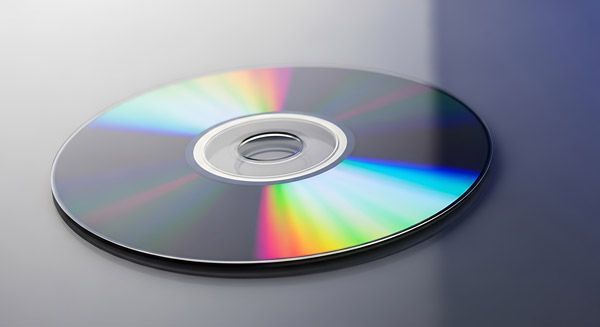
A less popular but relevant service is the MiniDV to DVD conversion service.

Why Digitising MiniDV Tapes Is Important

Even though MiniDV tapes record digital video, the recordings are still stored on magnetic tape.


Over time, this tape can deteriorate due to factors such as:


  • Heat and humidity.
  • Repeated playback.
  • Ageing tape materials.


If the tape becomes damaged, the footage may be difficult or impossible to recover.


Digitising your tapes protects the recordings before this happens.


Professional MiniDV to Digital conversion services safely transfer the video into modern formats that can be watched and backed up easily.

Preserve Your MiniDV Recordings

Other Camcorder Tape Formats

MiniDV was just one of several camcorder formats used over the years.


Other common formats include:


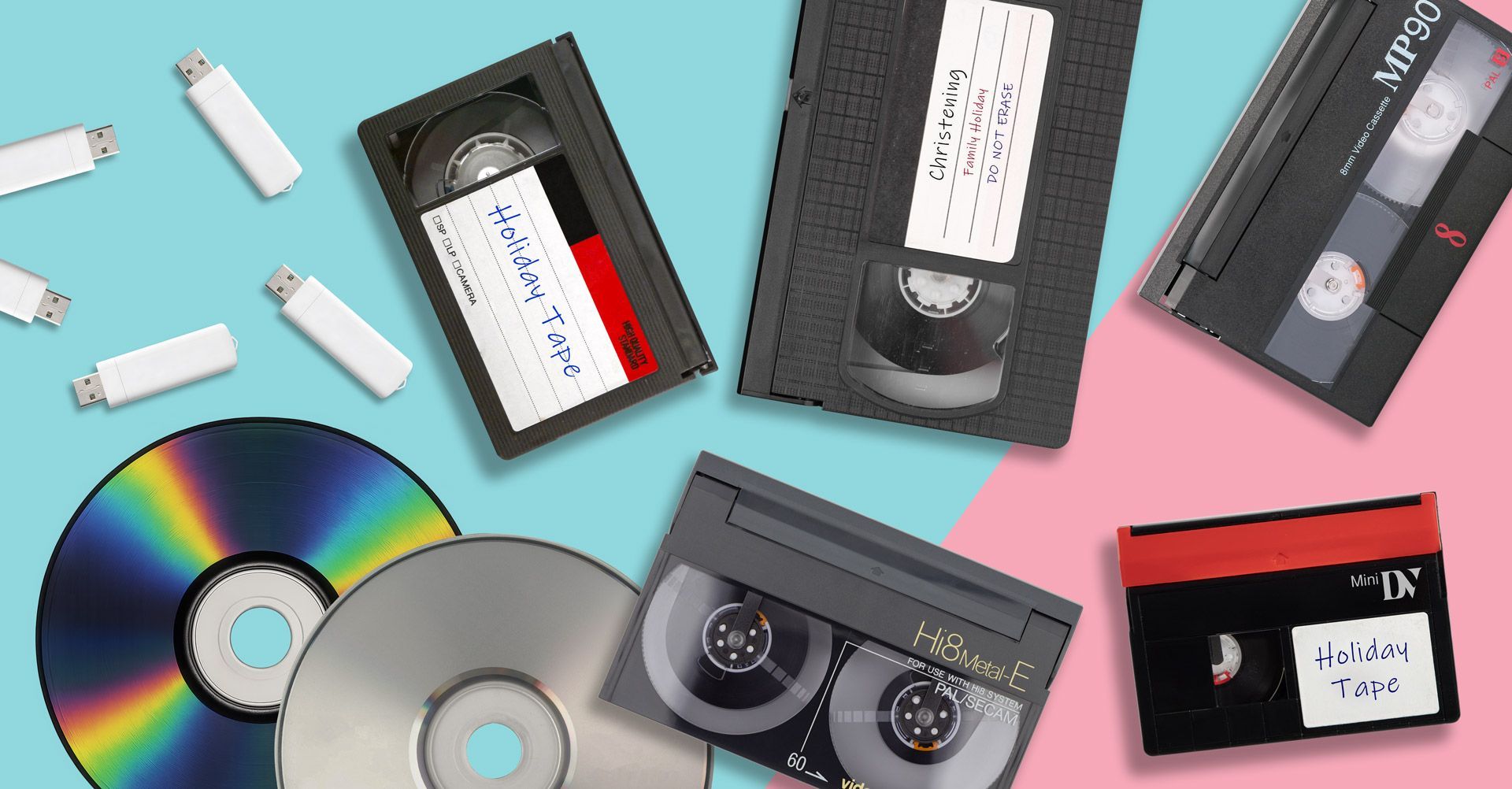
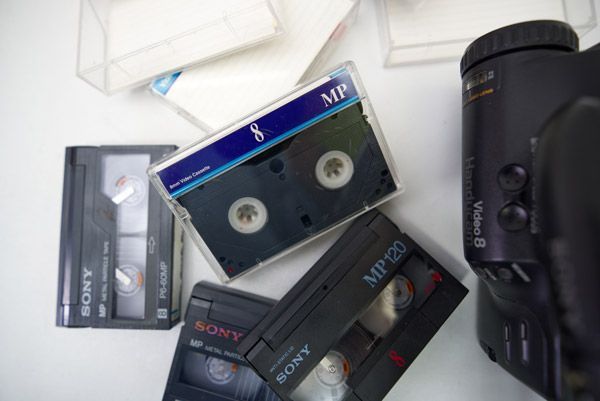
Video8 tapes.

Hi8 tapes.

Digital8 tapes.

VHS-C tapes.


If you think you have VHS-C cassette tapes but are not sure, please consult our guide on what is VHS-C and how do you play it?


If you have several different types of tapes stored away, our guide on how to watch old camcorder tapes explains how these formats can be viewed today.

Preserve Your MiniDV Recordings

MiniDV tapes often contain some of the most important family memories such as birthdays, christenings, weddings, holidays, childhood events and special occasions recorded years ago.


Although these tapes may still play today, they will eventually deteriorate like all magnetic tape formats.


Converting your recordings to digital formats ensures those memories are preserved and can still be watched and shared for years to come.


If you have MiniDV tapes stored away, digitising them now is the safest way to protect the footage before time causes permanent damage.

Recent Posts

How to Convert Video8 Camcorder Tapes to Digital
March 13, 2026
Learn how to convert Video8 camcorder tapes to digital. Discover how to transfer Video8 tapes to USB, MP4 or DVD and preserve old home videos.
How to Convert VHS-C Camcorder Tapes to Digital
March 12, 2026
Learn how to convert VHS-C camcorder tapes to digital. Discover the best ways to transfer VHS-C tapes to USB, MP4 or DVD and preserve old home videos.
Why You Should Digitise Old Tapes Now
March 10, 2026
Discover why you should digitise old VHS and camcorder tapes now. Learn how tape deterioration can destroy home videos and how digital conversion preserves them.
How Much Does VHS to Digital Cost?
March 9, 2026
How much does VHS to digital conversion cost? Learn typical VHS transfer prices, what affects the cost and the best way to convert VHS tapes.
USB vs DVD for VHS Transfers
March 8, 2026
USB vs DVD for VHS transfers explained. Discover the best format for converting VHS tapes and preserving your home videos digitally.
VHS vs Digital Video Quality
March 6, 2026
Compare VHS vs digital video quality. Learn the differences between VHS tapes and digital video, and why converting VHS to digital preserves your recordings.
How to Store VHS Tapes Properly
March 1, 2026
Learn how to store VHS tapes properly to prevent damage and deterioration. Discover the best ways to protect old VHS tapes and preserve your home videos.
Learn how to convert camcorder tapes to digital
February 28, 2026
Learn how to convert camcorder tapes to digital. Discover the best ways to digitise Video8, Hi8, MiniDV and VHS-C tapes to preserve your old home videos.
Do VHS Tapes Deteriorate Over Time?
February 18, 2026
Do VHS tapes deteriorate over time? Learn how long VHS tapes last, why they degrade, and how converting VHS to digital can preserve your memories.
What Is VHS-C and How Do You Play It?
February 3, 2026
What is VHS-C? Learn how VHS-C camcorder tapes work, how to play them today, and the best way to convert VHS-C tapes to digital formats.
Show More