
How to Convert Cine Film Reels to Digital
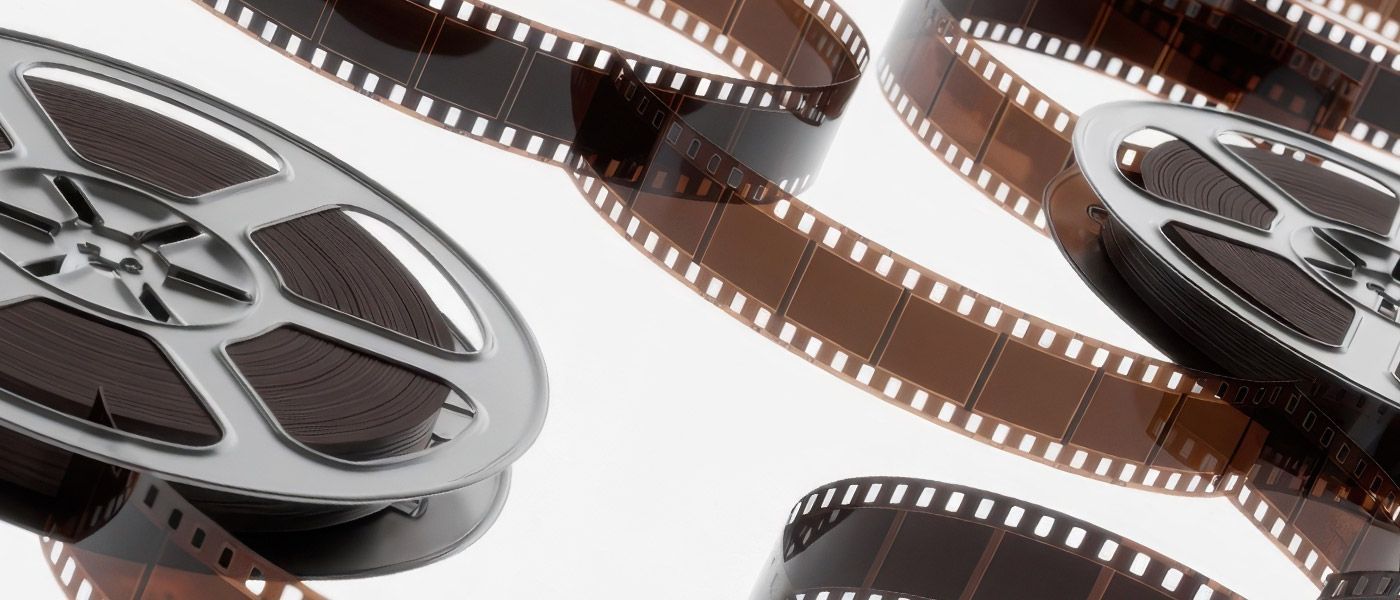
Before VHS tapes and camcorders became common, many families captured their memories using cine film reels.
These small reels of film were widely used throughout the 1950s, 60s and 70s to record weddings, holidays, birthdays and everyday family life.
Today, many households still have boxes of cine film reels stored in lofts, garages or cupboards, but no longer own a projector to watch them.
Even if a projector is available, older cine film can become fragile with age. Converting these films into digital formats ensures they can be safely preserved and easily watched on modern devices.
In this guide we explain how cine film reels are converted to digital and why digitising them is often the best way to protect your historic home movies.
What Is Cine Film?
Cine film refers to motion picture film stored on reels, rather than magnetic tape formats like VHS.
For home movies, the most common types are:
- Standard 8mm film
- Super 8 film
These film formats were widely used in home movie cameras before video camcorders became popular.
Unlike VHS tapes, cine film stores images as individual photographic frames on film stock. When played through a projector, these frames are displayed rapidly to create moving pictures.
Because the footage exists as physical film frames, the process of digitising cine film is quite different from transferring video tapes.
Why Old Cine Film Should Be Digitised
Although cine film can last a long time if stored correctly, it is still vulnerable to ageing and damage.
Common issues include:
Film Shrinkage
Older film stock can shrink slightly over time, making it difficult to run through projectors.
Dust and Dirt
Film stored for decades often collects dust and debris, which can affect image quality during playback.
Fragility
Cine film becomes more delicate as it ages and can tear if handled incorrectly.
Digitising your cine film ensures the footage can be safely preserved without repeatedly running the film through a projector.

How Cine Film Is Converted to Digital
Unlike VHS or camcorder tapes, cine film cannot simply be “played” into a digital recorder.
Instead, the film must be scanned frame by frame to capture each individual image.
The typical conversion process involves several stages.
Film Inspection and Cleaning
Before scanning begins, the film reels are carefully inspected.
Dust and debris are removed to improve the clarity of the final digital transfer.
Cleaning the film also helps ensure smoother playback through scanning equipment.
Frame-by-Frame Scanning
Once the film is prepared, the footage is captured using specialised scanning equipment.
Each frame of the film is scanned individually, which allows the footage to be reconstructed digitally as a video file.
This process ensures that the full image area of the film can be captured before final cropping and editing.
Digital Processing and Editing
After scanning, the frames are compiled into a digital video file.
At this stage the footage can be adjusted, cropped and stabilised if required.
This produces a finished video file that can be easily watched on modern devices.
Types of Cine Film That Can Be Converted
Most home movie film reels fall into two main categories.
Standard 8mm Film
One of the earliest home movie formats, widely used from the 1930s through to the 1960s.
Super 8 Film
Introduced later as an improved format with better image quality and easier camera loading.
Both types can be digitised, including Super 8 film with sound, which requires an additional process to capture and synchronise the audio with the scanned footage.
Cine Film Reel Sizes and Run Times
Cine film reels come in several different sizes, which determine how much footage they contain.
Typical reel sizes include:
- 3” reel – around 3 to 4 minutes of footage.
- 5” reel – around 15 to 17 minutes of footage.
- 7” reel – around 26 to 29 minutes of footage.
- 9” reel – around 56 to 61 minutes of footage.
These reels can be scanned individually and then combined into digital video files.
Best Formats for Digital Cine Film
Once cine film has been scanned, the footage can be delivered in modern digital formats.
Cine Film to Digital
Digiital is a wide term and encompasses many options. In regards to Cine Film to digital conversion, MP4 video files are one of the most widely supported video formats today.
MP4 files can be played on:
- Windows computers.
- Apple Macs.
- Smartphones and tablets.
- Smart TVs.
Because of this, MP4 is usually the most practical option for long-term storage.
Cine Film to USB
Many people choose to receive their converted films on a USB drive.
USB storage allows the files to be:
- Easily watched on a computer or TV.
- Copied and backed up.
- Shared with family members.
You can learn more about the process on our Cine Film to USB conversion service page.

How Long Does Cine Film Conversion Take?
Because cine film is scanned frame by frame, the process can take longer than converting video tapes.
Typical turnaround times may range from:
- 7 to 14 days for smaller orders.
- 14 to 28 days for larger collections.
This ensures that the film is carefully handled and captured at the best possible quality.
Bringing Old Film Memories Back to Life
Many cine film reels contain some of the oldest family memories ever recorded.
These films may include:
- Wedding footage.
- Childhood moments.
- Family holidays.
Historic home movies from decades ago
Unfortunately, projectors are becoming increasingly rare, and the film itself becomes more fragile over time.
By converting cine film to digital formats, those memories can be preserved and easily enjoyed again.
Once digitised, the footage can be watched on modern devices, shared with relatives and safely backed up for the future.