How to Convert VHS-C Camcorder Tapes to Digital
If you owned a camcorder in the 1980s or 1990s, there’s a good chance your home videos were recorded on VHS-C tapes.
These small camcorder cassettes were extremely popular for recording family events such as holidays, birthdays, weddings and school performances.
Years later, many people rediscover these tapes but realise they no longer have the camcorder required to play them.
Even if the original camcorder still works, VHS-C tapes will eventually deteriorate over time.
Because of this, many families now choose to convert VHS-C camcorder tapes to digital formats, allowing their recordings to be safely preserved and easily watched on modern devices.
In this guide we explain what VHS-C tapes are and the different ways they can be converted into digital video.
What Is a VHS-C Camcorder Tape?
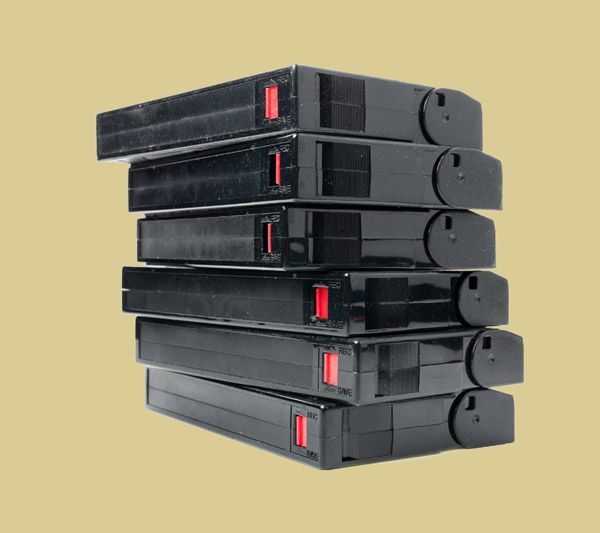
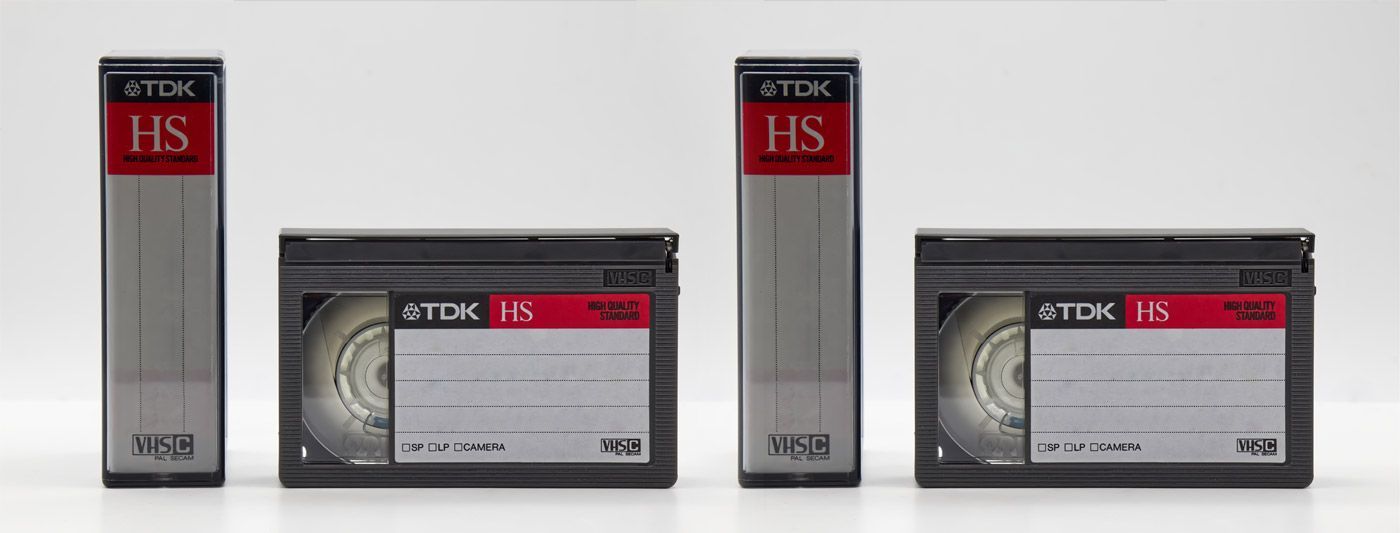
VHS-C stands for VHS Compact.
It was introduced as a smaller version of the standard VHS cassette, designed specifically for portable camcorders.
Key features of VHS-C tapes include:
- Smaller cassette size than standard VHS.
- Designed for camcorder recording.
- Typically capable of recording around 30 to 60 minutes of video.
Although VHS-C tapes are smaller than standard VHS tapes, they use the same analogue recording format.
This means they can sometimes be played in a VHS player using a special adapter.
Our guide on What Is VHS-C and How Do You Play It explains this format in more detail.
Why VHS-C Tapes Can Be Difficult to Watch Today
Although VHS-C tapes were once very common, they can be difficult to watch today for several reasons.
Camcorders Are No Longer Manufactured
Many of the camcorders designed for VHS-C tapes are now decades old and may no longer function properly.
Batteries and Chargers Are Hard to Find
Even if the camcorder still exists, replacement batteries and chargers can be difficult to locate.
VHS Adapters Are Not Always Reliable
Some VHS-C tapes can be played using an adapter inside a standard VHS player. However, these adapters often fail or may damage fragile tapes.
Because of these issues, many people now prefer to digitise VHS-C tapes instead of attempting to play them directly.

Options for Viewing VHS-C Tapes
Method 1: Using a VHS-C Adapter
One traditional way to watch VHS-C tapes is by using a VHS-C cassette adapter.
This device allows the smaller tape to be placed inside a full-size VHS cassette shell so it can be inserted into a VHS player.
How it works
- Insert the VHS-C cassette into the adapter.
- Place the adapter into a VHS player.
- Play the tape as if it were a standard VHS cassette.
Limitations
While this method can work, it has several drawbacks:
- Adapters can malfunction.
- Older VHS players may damage fragile tapes.
- It does not create a permanent digital backup.
For this reason, many people now prefer digital conversion instead.
Method 2: Capture VHS-C Footage to a Computer
Another way to convert VHS-C tapes is by capturing the footage directly onto a computer.
This process usually requires:
- A working camcorder or VHS player.
- A video capture device.
- Recording software.
- A computer with sufficient storage.
The tape is played in real time while the capture device records the footage onto the computer.
Pros
- Creates digital video files.
- Allows editing and archiving.
Cons
- Requires older equipment.
- Setup can be complicated.
- Transfers take as long as the tape duration.
Because of these challenges, many people choose professional transfer services instead.
Method 3: Professional VHS-C Tape Conversion
The most reliable method is using a professional video transfer service.
Specialist equipment is used to safely play and digitise the tapes without risking damage to ageing camcorders or VHS players.
Professional transfers convert the video signal into modern digital formats that can be easily stored and watched.
You can learn more about this process on our VHS-C to Digital conversion service page.
Choosing the Best Digital Format
When converting VHS-C tapes, several output formats are commonly available depending on how you want to watch your videos.
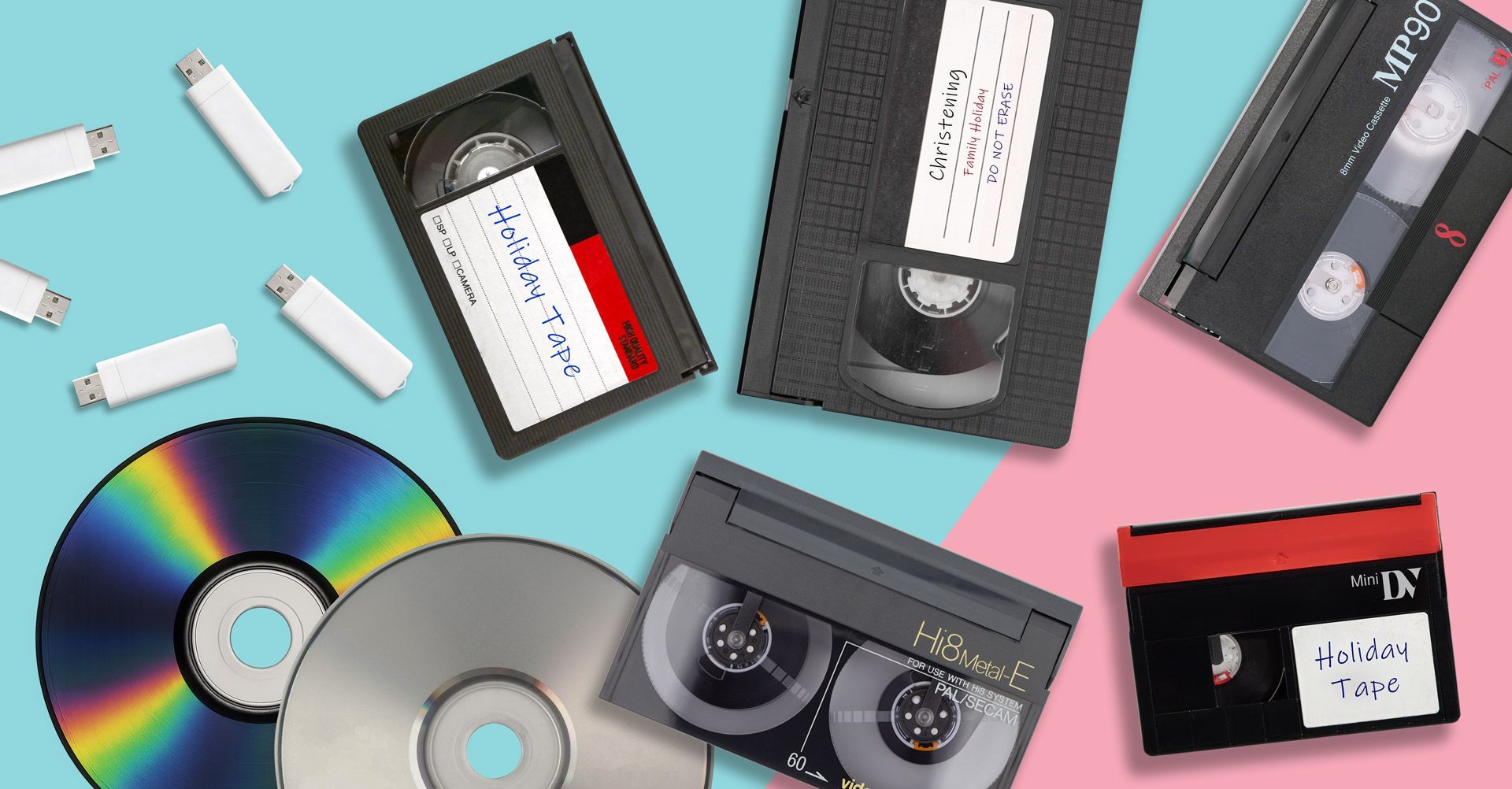
VHS-C to USB
USB drives are one of the most convenient ways to store digitised home videos.
Once converted, the files can be plugged directly into computers, smart TVs or media players.
Many people choose VHS-C to USB conversion because it allows the videos to be easily copied, shared and backed up.
VHS-C to MP4
MP4 is one of the most widely supported video formats available today.
MP4 files can be played on almost any modern device including:
- Windows computers.
- Apple Macs.
- Smartphones and tablets.
- Smart TVs.
You can learn more about this option on our VHS-C to MP4 conversion page.
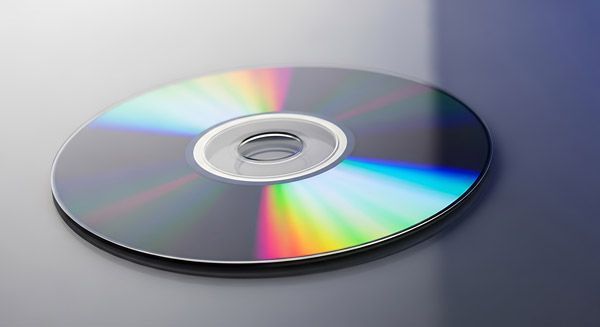
VHS-C to DVD
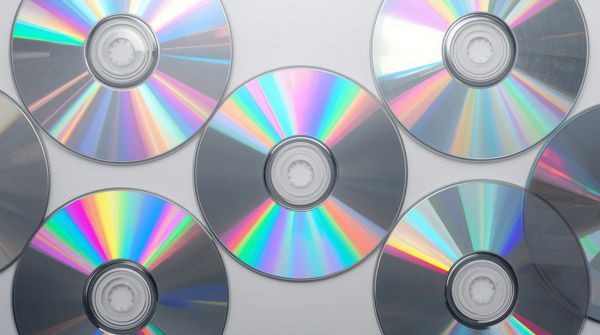
Some people still prefer DVDs because they can be played directly on a television using a DVD player.
DVD transfers can also provide a physical backup of your recordings.
Our VHS-C to DVD transfer service explains how this format works.

Why Digitising VHS-C Tapes Is Important
Like all magnetic tape formats, VHS-C recordings will slowly degrade with age.
Common signs of deterioration include:
- Picture noise or distortion.
- Colour fading.
- Tracking lines.
- Audio dropouts.
Environmental conditions such as heat and humidity can accelerate this damage.
Our guide on Why You Should Digitise Old Tapes Now explains why older tapes should be converted before the footage is lost.
Preserve Your Camcorder Memories
VHS-C camcorder tapes often contain some of the most important family memories ever recorded.
Unfortunately, the equipment needed to play these tapes is becoming increasingly rare, and the tapes themselves will eventually deteriorate.
Converting your VHS-C tapes to digital formats ensures your recordings remain accessible for years to come.
Once digitised, your videos can be safely stored, easily shared and watched on modern devices without needing old camcorder equipment.
If you still have VHS-C tapes stored away, converting them now is the best way to preserve those memories before time causes permanent damage.