What Is VHS-C and How Do You Play It?
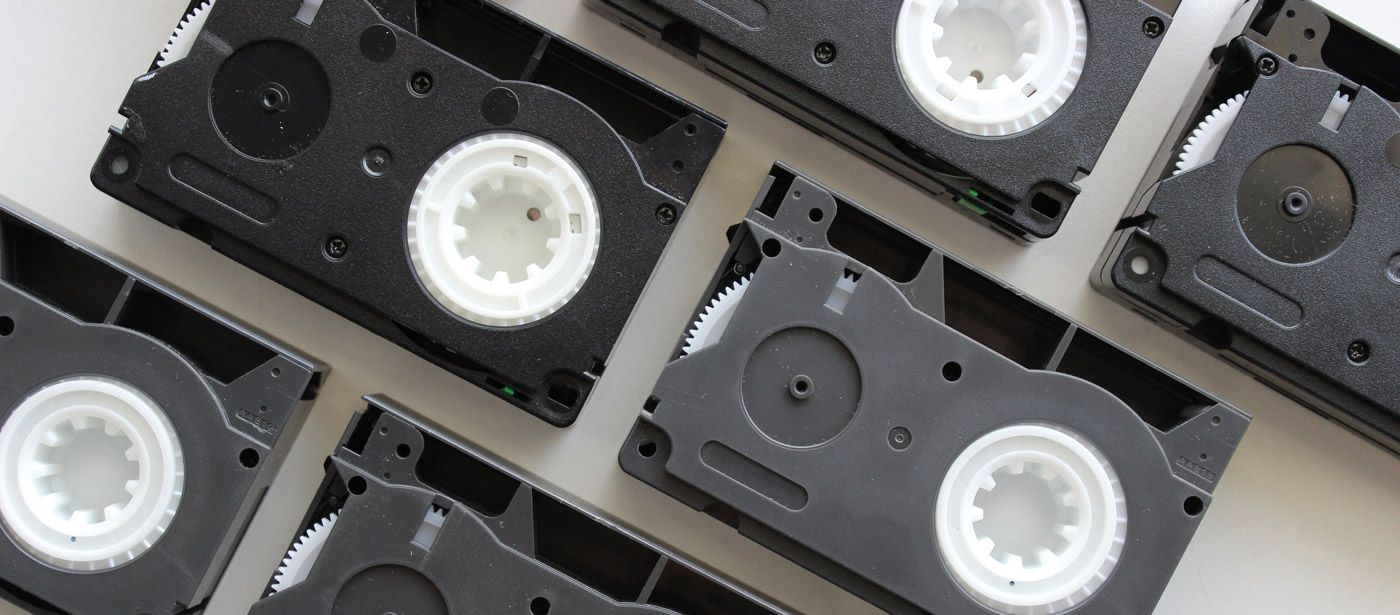
If you’ve discovered a box of small video tapes while clearing out a cupboard or loft, there’s a good chance they could be VHS-C camcorder tapes.
These compact tapes were widely used in home camcorders during the late 1980s and 1990s, capturing family holidays, birthdays, weddings and everyday moments.
However, many people today no longer have the camcorder or equipment needed to play them. As a result, these recordings often sit unwatched for years.
In this guide we’ll explain what VHS-C tapes are, how they work, and the different ways you can play or convert them today.
What Is VHS-C?
VHS-C stands for Video Home System – Compact.
It was developed as a smaller version of the standard VHS cassette so that it could be used inside portable camcorders.
While standard VHS tapes were designed mainly for home video players (VCRs), VHS-C tapes were designed for recording video on camcorders.
Key characteristics of VHS-C tapes
- Smaller cassette size than standard VHS.
- Designed for camcorder recording.
- Uses the same tape format as VHS.
- Can be played in VHS players using an adapter.
Although the cassette itself is smaller, the magnetic tape inside is the same type used in standard VHS tapes, which means the recordings can be transferred or converted using similar equipment.

How Big Are VHS-C Tapes?
One of the easiest ways to identify VHS-C tapes is their size.
A VHS-C cassette is significantly smaller than a normal VHS tape.
Typical dimensions:
- VHS tape: approximately 18.7 cm wide.
- VHS-C tape: approximately 9.2 cm wide.
Despite the smaller size, VHS-C tapes could still record 30 to 60 minutes of video, depending on the tape.
How Do You Play VHS-C Tapes?
There are a few different ways to watch VHS-C recordings today.
Option 1: Use the Original Camcorder
The simplest way to watch VHS-C tapes is by using the original camcorder they were recorded on.
Most camcorders include video output cables that allow you to connect the camcorder to a television.
These connections may include:
- RCA composite cables (red, white and yellow).
- S-Video.
- AV outputs.
Pros
- Simple if you still have the camcorder.
- No additional equipment needed.
Cons
- Many camcorders no longer work.
- Batteries and chargers are often missing.
- Older connections may not work with modern TVs.
Because these camcorders are now decades old, many people discover they no longer function properly.
Option 2: Use a VHS-C Adapter
A VHS-C adapter is a cassette-shaped device that allows a VHS-C tape to be played inside a standard VHS player.
The VHS-C tape is placed inside the adapter, which expands it to the size of a full VHS cassette.
The adapter can then be inserted into a VCR just like a normal tape.
Pros
- Allows VHS-C tapes to be played in a VHS player.
- Relatively inexpensive solution.
Cons
- Requires a working VCR.
- Not all adapters are reliable.
- Does not preserve the footage.
If you no longer have a VCR, you may find our guide on how to watch VHS tapes without a VCR helpful.
Option 3: Convert VHS-C Tapes to Digital
The most popular solution today is converting VHS-C tapes into digital video files.
Digitising tapes allows you to watch your recordings on modern devices such as:
- Smart TVs.
- Computers.
- Tablets.
- Smartphones.
Many people choose VHS-C to USB conversion because it allows the videos to be stored on a USB drive and played easily on most devices.
Another popular option is VHS-C to MP4 conversion, which creates digital video files that can be stored, shared or backed up online.
The final option is the VHS-C to DVD conversion service.
Why Converting VHS-C Tapes Is Important
Like standard VHS tapes, VHS-C recordings are stored on magnetic tape.
Over time this tape gradually deteriorates, which can cause:
- Fading picture quality.
- Audio distortion.
- Tape stretching.
- Mould damage.
Once a tape becomes damaged, the recordings may be permanently lost.
Converting your tapes to digital formats helps preserve the footage before this happens.
Professional VHS-C to Digital conversion services safely transfer the recordings to modern formats so they can be watched and shared for many years to come.

Can VHS-C Tapes Be Converted to Digital?
Yes. VHS-C tapes can be converted in the same way as standard VHS tapes.
The process usually involves playing the tape using specialist equipment while the video signal is captured and converted into a digital file.
The finished recordings can be delivered in formats such as:
- USB drive.
- MP4 video files.
- DVDs.
Digital copies make it much easier to watch and share your old home videos.
Other Camcorder Tape Formats
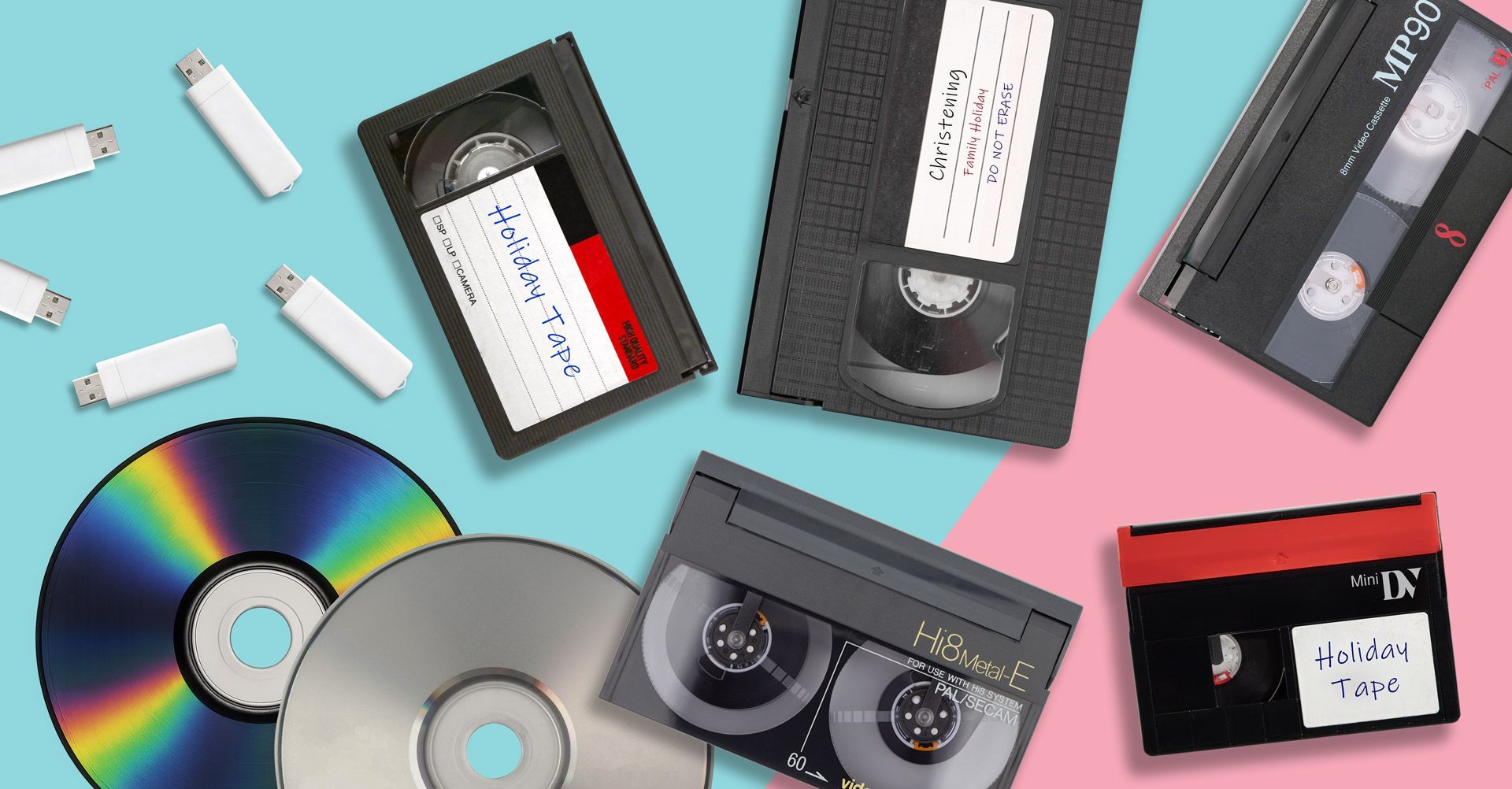
Many people also discover other camcorder formats alongside VHS-C tapes.
Common examples include:
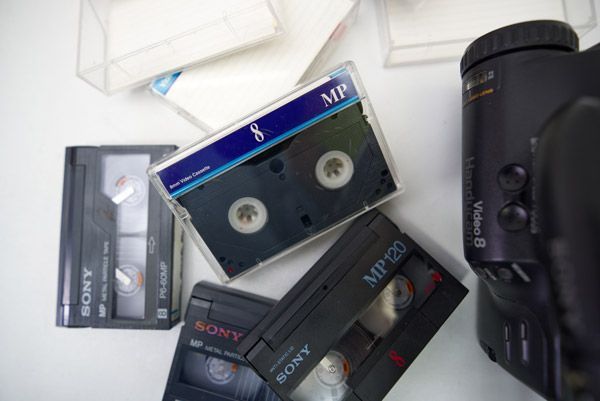
- Video8 tapes.
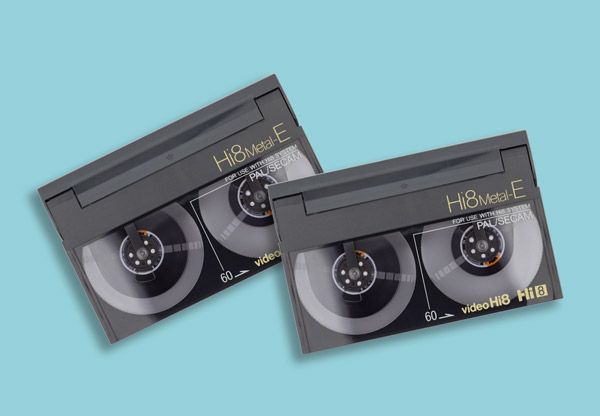
- Hi8 tapes.
- Digital8 tapes.
- MiniDV tapes.
Each format requires specific equipment to play or convert.
If you have several different types of tapes, our guide on how to watch old camcorder tapes explains how these formats can be viewed today.
Preserve Your Family Memories
VHS-C tapes often contain irreplaceable family memories; birthdays, weddings, school events, holidays and special occasions recorded years ago.
Unfortunately, magnetic tapes will continue to degrade as they age.
Digitising your recordings ensures those memories can still be watched and shared with future generations.
If you have VHS-C tapes you can no longer play, converting them to digital formats is the safest way to protect them before they deteriorate further.