How to Convert Digital8 Camcorder Tapes to Digital
In the late 1990s and early 2000s, Digital8 camcorders became a popular way to record home videos. Families used them to capture holidays, birthdays, weddings and countless everyday moments.
Today, many people still have these tapes stored away but no longer have a working camcorder to play them.
Even though Digital8 recorded video digitally, the recordings are still stored on magnetic tape, which means they can deteriorate over time.
Because of this, many people now choose to convert Digital8 camcorder tapes to modern digital formats, allowing the footage to be preserved and easily viewed on computers, TVs and mobile devices.
In this guide we explain how Digital8 tapes work and the different options available for converting them to digital video.
What Is a Digital8 Camcorder Tape?
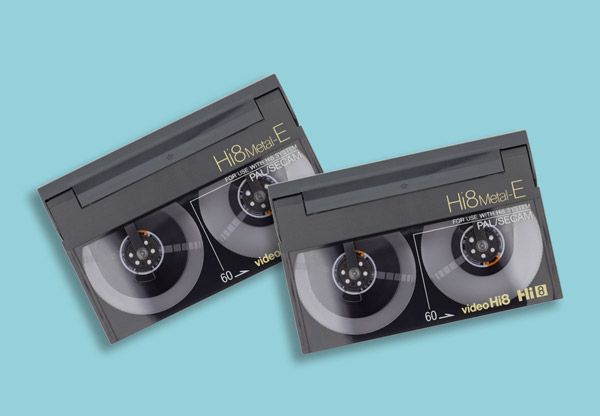
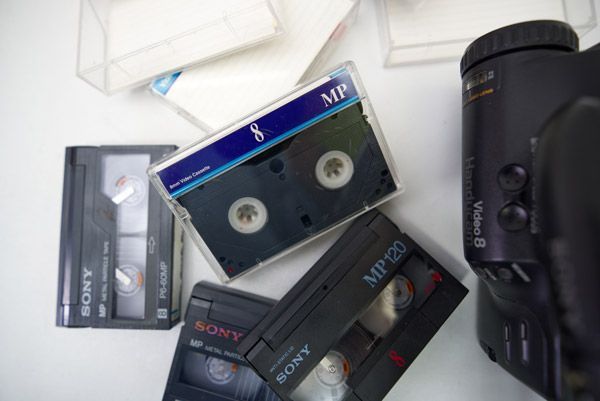
Digital8 was introduced by Sony as a successor to the earlier Video8 and Hi8 camcorder formats.
Unlike those earlier formats, Digital8 recorded digital video data rather than analogue signals, offering improved video and audio quality.
Key characteristics of Digital8 tapes include:
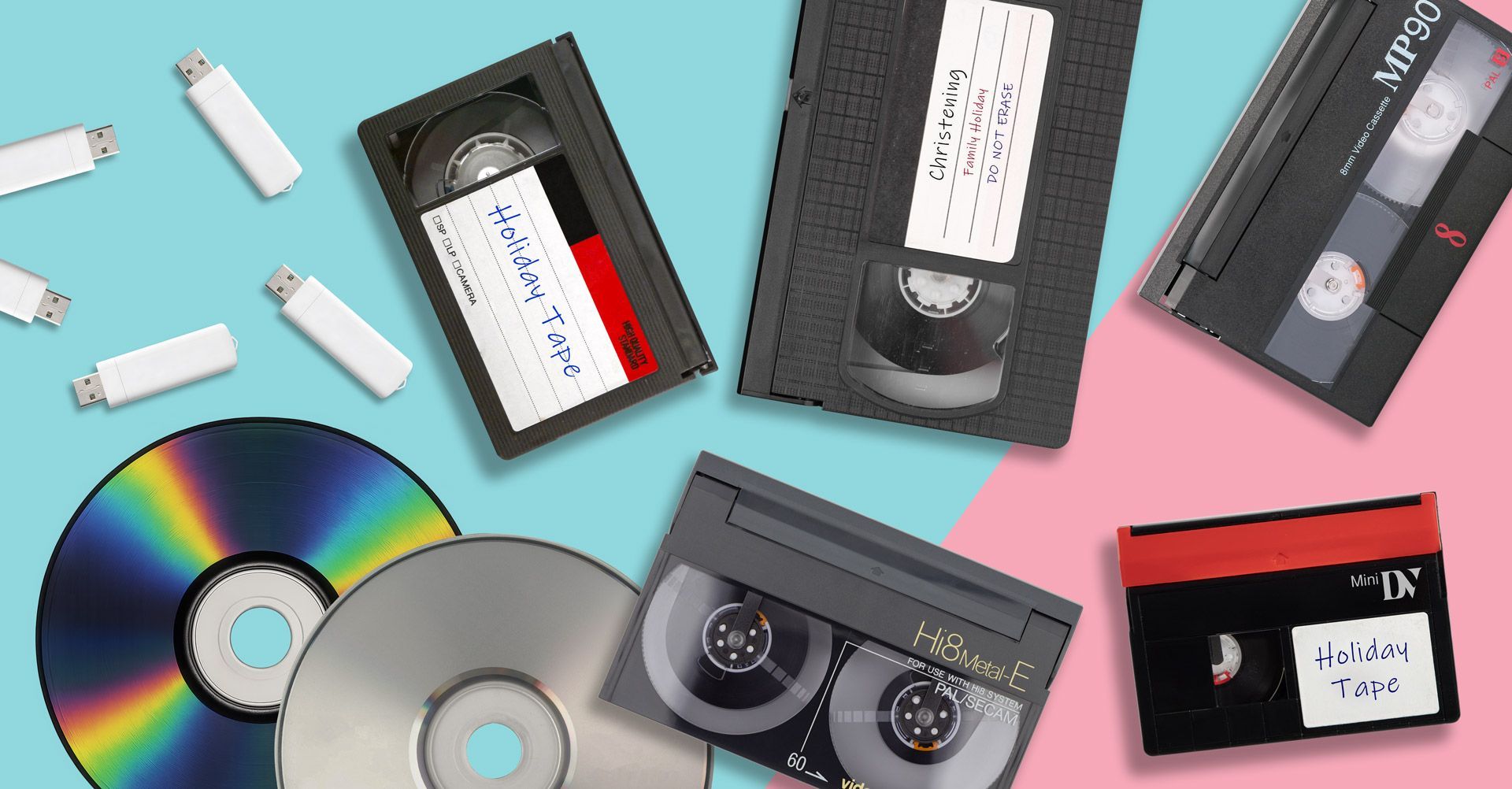
- Similar cassette size to Video8 and Hi8 tapes.
- Digital video recording rather than analogue.
- Often used in camcorders produced in the late 1990s and early 2000s.
- Typically capable of recording 60 minutes or more of video.
Although the recordings are digital, the tape itself still relies on magnetic storage, which can degrade with age.
Why Digital8 Tapes Should Be Converted
Many people assume that because Digital8 recorded video digitally, the tapes will last indefinitely.
However, Digital8 tapes can still suffer from the same problems as other tape-based formats.
Magnetic Tape Degradation
Over time, the magnetic layer used to store the recording can weaken, leading to playback problems or signal loss.
Obsolete Playback Equipment
Digital8 camcorders are no longer manufactured, and working models are becoming harder to find.
Mechanical Wear
The mechanisms inside older camcorders may fail after years of inactivity, making playback unreliable.
Digitising your tapes ensures the recordings are preserved before equipment or tapes fail.

Common Methods for Converting Digital8 Tapes
There are several ways to convert Digital8 camcorder tapes into digital files.
Capturing Digital8 Video to a Computer
Some Digital8 camcorders include FireWire (IEEE 1394) outputs, which allow the digital video signal to be transferred directly to a computer.
The process usually involves:
- Connecting the camcorder to a computer using a FireWire cable.
- Playing the tape in the camcorder.
- Capturing the video using video editing or capture software.
Because the signal is already digital, this method can maintain good video quality.
Limitations
However, there are several challenges:
- Many modern computers no longer include FireWire ports.
- Compatible cables and adapters can be difficult to find.
- Transfers occur in real time.
- A working camcorder is still required.
These issues often make DIY transfers difficult for many people.
Professional Digital8 Tape Transfer
A more reliable solution is using a professional video transfer service.
Specialist equipment is used to safely play Digital8 tapes and convert the recordings into modern digital files.
This avoids the risks associated with ageing camcorder hardware and ensures stable playback during the transfer process.
You can learn more about this option on our Digital8 to Digital conversion service page.
Choosing the Right Format for Your Digital8 Videos
Once your tapes have been converted, the recordings can be delivered in several different formats depending on how you want to watch them.
Digital8 to USB
USB drives are a convenient way to store digital video files.
Once converted, the videos can be plugged directly into computers or compatible TVs for playback.
Our Digital8 to USB conversion service allows your videos to be easily copied, shared and backed up.
Digital8 to MP4
MP4 is one of the most widely supported video file formats available today.
MP4 files can be played on:
- Windows PCs.
- Apple Macs.
- Smartphones and tablets.
- Smart TVs.
More details can be found on our Digital8 to MP4 transfer service page.
Digital8 to DVD
Some people still prefer DVDs for watching videos on a television using a DVD player.
DVD copies can also provide a physical backup of your recordings.
Our Digital8 to DVD conversion page explains how this format works.

When Is the Best Time to Convert Digital8 Tapes?
If you still have Digital8 tapes stored away, it is usually best to convert them sooner rather than later.
Even well-stored tapes can deteriorate due to factors such as:
- Ageing magnetic materials.
- Temperature and humidity changes.
- Dust and environmental conditions.
- Mechanical wear from playback.
If the tapes begin to deteriorate, parts of the recording may become permanently lost.
Converting them now helps ensure the footage is preserved before this happens.
Preserving Your Digital8 Home Videos
Digital8 camcorder tapes often contain some of the most valuable family memories ever recorded.
Although the format was considered advanced when it was introduced, the technology used to play these tapes is gradually disappearing.
Digitising Digital8 tapes ensures those recordings remain accessible and protected for the future.
Once converted to modern digital formats, your videos can be easily watched, shared and backed up without needing old camcorder equipment.
If you still have Digital8 tapes stored away, converting them to digital formats now is the safest way to preserve those memories for years to come.