How to Transfer CDs to USB

Compact discs (CDs) were once one of the most popular ways to store and share digital data.


During the late 1990s and early 2000s, many people used CDs to store:


  • Photo collections.
  • Home videos.
  • Music albums.
  • Documents and computer files.
  • Software backups.


Today, however, many modern computers no longer include CD or DVD drives, making it difficult to access the files stored on older discs.


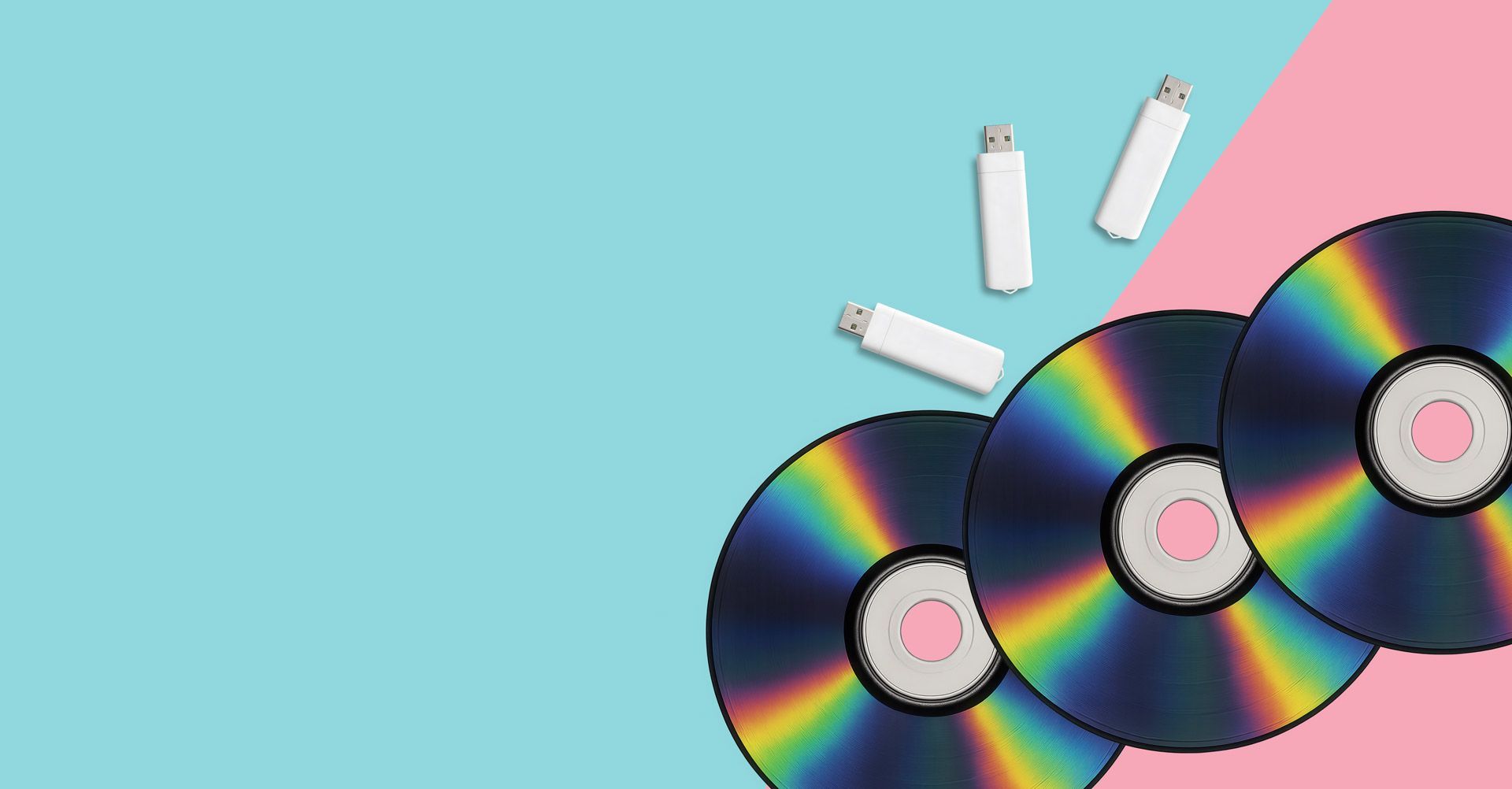
For this reason, many people choose to transfer the contents of CDs to USB drives, allowing their files to be easily accessed and backed up using modern devices.


In this guide we explain how CD to USB transfers work, what types of files can be recovered and why converting discs to USB storage is often the safest way to preserve older digital media.

Why Many People Are Moving Away from CDs

When CDs first became widely available, they offered a reliable way to store data compared to earlier formats such as floppy disks.


A standard CD can store around 700 MB of data, which was considered significant storage capacity at the time.


However, technology has moved on significantly. Today:


  1. Most laptops do not include optical drives.
  2. USB drives provide far greater storage capacity.
  3. Cloud storage has become widely used.
  4. CDs are more prone to physical damage over time.


As a result, many people now transfer their older discs to USB storage for easier access and long-term preservation.

Types of CDs That Can Be Transferred to USB

Types of CDs That Can Be Transferred to USB

One of the advantages of CDs is that they can contain many different types of data.


When transferring discs to USB, the files are simply copied from the CD and stored digitally on the USB drive.


Common examples include:


Photo CDs


Many early digital cameras and photo labs supplied images on CD.


These discs often contain family photographs from the early 2000s, which may not exist anywhere else.


Document Backup CDs


CDs were often used to store backups of important files such as:


  • Word documents.
  • Spreadsheets.
  • PDFs.
  • Personal archives.


Transferring these discs to USB makes it easier to access the files on modern computers.


Video and Media Files


Some CDs contain digital video files, including:


  • Early camcorder footage.
  • Video clips exported from editing software.
  • Multimedia projects.


These files can be copied to USB storage and played using modern devices.


Music CDs


Music albums were one of the most common uses for compact discs.


When transferring music CDs to USB, the audio tracks are extracted and stored as digital files that can be played on computers, phones or media players.

Why CDs Should Be Backed Up

Although CDs were considered durable when they were first introduced, they are not immune to damage or data loss.


Several issues can occur over time.


Disc Scratches


The underside of a CD can easily become scratched, which may prevent files from being read correctly.


Disc Rot


In some cases the reflective layer inside the disc can deteriorate, leading to data corruption.


Ageing Media


Older recordable CDs may become harder to read as the dye layer degrades.


Because of these risks, many people choose to back up their CDs to USB drives before the data becomes difficult to recover.

Methods for Transferring CDs to USB

Methods for Transferring CDs to USB

There are two main ways to move CD content onto USB storage.

Copying Files Using a Computer

If your computer still has a CD or DVD drive, transferring files yourself is often straightforward.


The typical process involves:


  1. Insert the CD into the computer’s optical drive.
  2. Open the disc contents using the file explorer.
  3. Copy the files from the disc.
  4. Paste them onto a USB drive.


This method works well for data CDs containing photos, documents or video files.


However, there are some limitations.


  1. Some discs may contain older file formats.
  2. Scratched discs may not read properly.
  3. Music CDs require specialised software to extract tracks.


Because of these factors, some people prefer professional transfers to ensure the data is recovered correctly.

Professional CD to USB Transfers

A professional transfer service can copy the contents of older discs onto a USB drive, ensuring the files are safely backed up and organised.


This is particularly useful when dealing with:


  • Older discs that may be difficult to read.
  • Collections containing many CDs.
  • Mixed media discs with photos, videos and files.


You can learn more about the process on our CD to USB transfer service page.


Once transferred, the files can be accessed easily from a single USB drive.

Advantages of USB Storage

USB drives have become one of the most practical ways to store digital files.


Compared with CDs, USB storage offers several advantages.


Greater Storage Capacity


Modern USB drives can hold tens or even hundreds of gigabytes of data, far more than a standard CD.


Easy Compatibility


USB drives work with:


  • Computers.
  • Smart TVs.
  • Media players.
  • Laptops and tablets.


Portable and Convenient


A single USB drive can replace dozens of older CDs, making it much easier to organise your digital files.

Preserving Digital Files from Older Storage Media

Combining CD Transfers with Other Media Conversion

Many households that have CDs stored away also have other types of older media, such as:


  • VHS tapes
  • Camcorder tapes
  • Cine film reels
  • Audio cassettes
  • DVD's


If you are already transferring discs to USB, it may also be worth reviewing other media formats that could benefit from digitisation.


Our guides on:


explain how older video and audio formats can also be preserved.


You can also explore our main media to digital conversion services to see the full range of formats that can be digitised.

Preserving Digital Files from Older Storage Media

CDs played an important role in the early days of digital storage.


For many people they still contain valuable photos, videos and personal files created during the early years of home computing.


However, as technology continues to evolve, accessing these discs can become increasingly difficult.


Transferring CDs to USB drives ensures the files remain accessible using modern devices and provides a convenient way to back up older digital collections.


By converting CDs to USB storage today, you can ensure those files remain safe, organised and easy to access for years to come.

Recent Posts

How to Transfer DVD to USB
By Graeme Buckley March 14, 2026
Learn how to transfer DVDs to USB. Discover how to copy video DVDs, photos, files and music discs to USB storage for easy playback on modern devices.
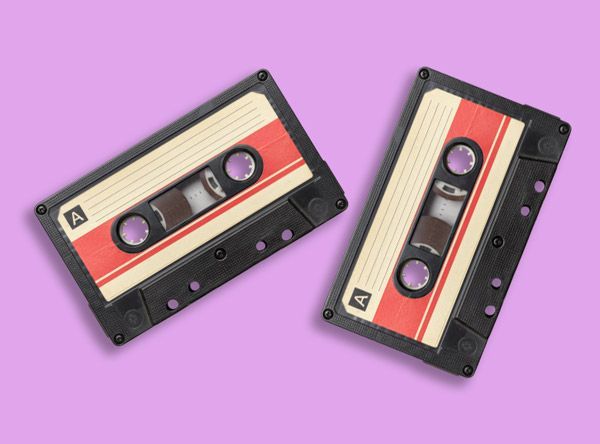
How to Convert Audio Cassette Tapes to Digital
By Graeme Buckley February 28, 2026
Learn how to convert audio cassette tapes to digital. Discover how cassette tapes can be transferred to MP3 or WAV and preserved for modern playback.
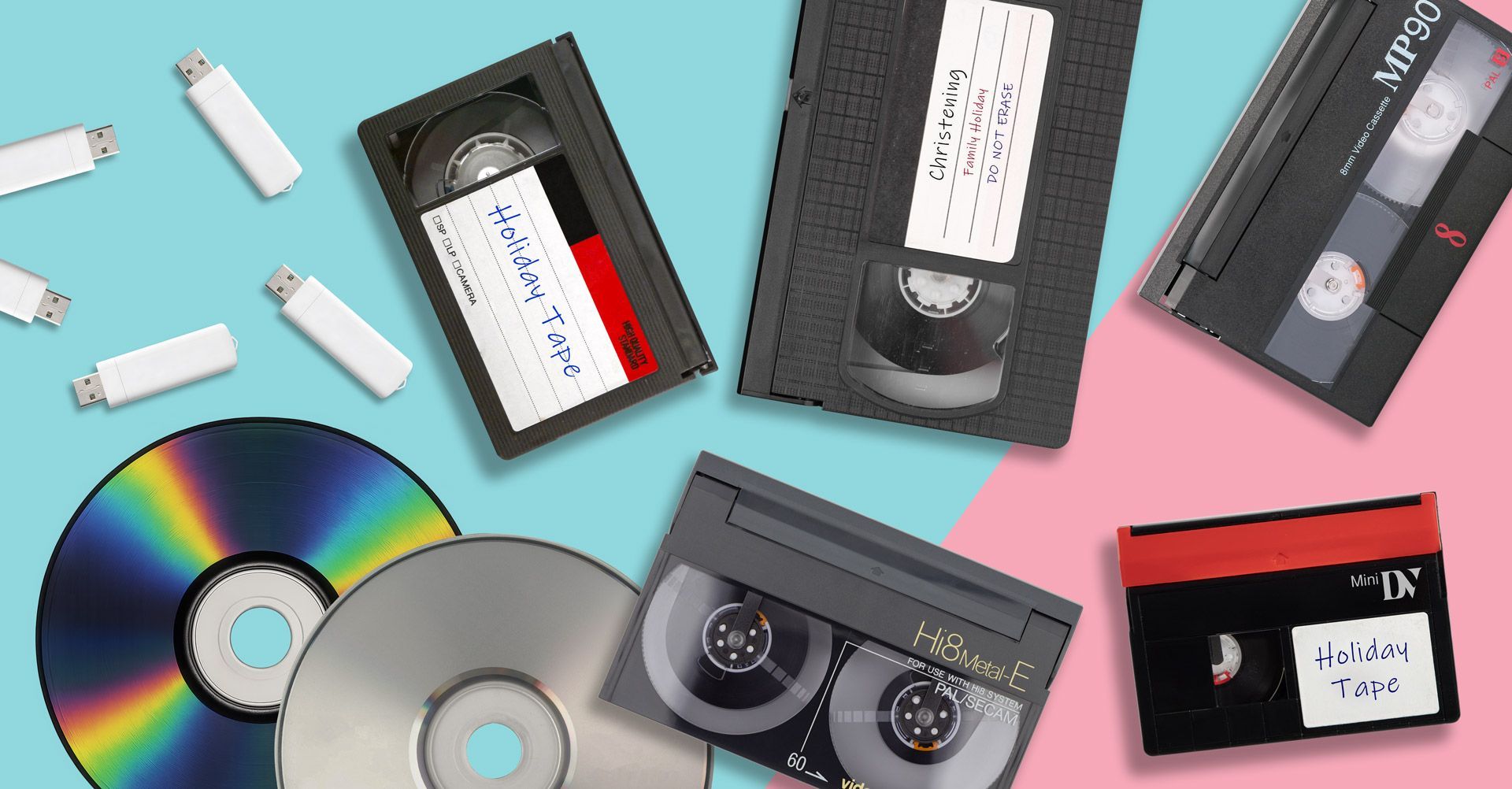
Resolution Differences Between VHS, Video8, MiniDV and Cine Film
By Graeme Buckley February 19, 2026
Compare VHS, VHS-C, MiniDV, Video8, Hi8, Digital8 and Cine Film resolution. Learn the real video quality you can recover when converting old media to digital.
How to Convert Cine Film Reels to Digital
By Graeme Buckley February 11, 2026
Learn how to convert cine film reels to digital. Discover how 8mm and Super 8 film can be scanned frame-by-frame and transferred to MP4 or USB.
How to Convert Digital8 Camcorder Tapes to Digital
By Graeme Buckley February 2, 2026
Learn how to convert Digital8 camcorder tapes to digital. Discover how to transfer Digital8 tapes to USB, MP4 or DVD and preserve your home videos.
How to Convert Hi8 Camcorder Tapes to Digital
By Graeme Buckley January 30, 2026
Learn how to convert Hi8 camcorder tapes to digital. Discover the best ways to transfer Hi8 tapes to USB, MP4 or DVD and preserve old home videos.
How to Convert Video8 Camcorder Tapes to Digital
By Graeme Buckley January 21, 2026
Learn how to convert Video8 camcorder tapes to digital. Discover how to transfer Video8 tapes to USB, MP4 or DVD and preserve old home videos.
How to Convert VHS-C Camcorder Tapes to Digital
By Graeme Buckley January 8, 2026
Learn how to convert VHS-C camcorder tapes to digital. Discover the best ways to transfer VHS-C tapes to USB, MP4 or DVD and preserve old home videos.
Why You Should Digitise Old Tapes Now
By Graeme Buckley January 2, 2026
Discover why you should digitise old VHS and camcorder tapes now. Learn how tape deterioration can destroy home videos and how digital conversion preserves them.
Show More