How to Convert VHS to Digital

Converting video tapes to digital

VHS tapes were never designed to last forever. The magnetic tape used to store the video gradually degrades over time.


Common problems include:


  • Loss of picture quality.
  • Distorted or fading sound.
  • Tape damage or mould.
  • Broken cassette mechanisms.


Once the magnetic data begins to degrade, it may become impossible to recover.


Digitising your tapes protects the footage before permanent damage occurs and allows you to store your videos in formats that are much easier to watch and share.


Many families choose professional VHS to Digital conversion to ensure their memories are preserved safely.

How to convert VHS to digital

First step, understanding VHS resolution

Firstly, it is important to understand the videotape and what results you will get when transferring your VHS footage into digital video files.


VHS was developed in the 1970's, VCR players were released in the late 1970's and caught onto the general public in the 1980's and 1990's. If you're reading this guide, I assume you must of done some filming and editing in the 80's and 90's, welcome!


The introduction of digital viewing and recording (DVD's) pretty much wiped out the need for video tapes, and commercial films were stopped being sold on video around 2006.


VHS is an old format and the quality of a video tape is not as high as a modern DVD, Blu-Ray or 4K disc. VHS resolution is around 288 pixels, whereas DVD is 576, Blu-Ray is 1080 and 4K is 2160 pixels. Therefore, the analogue VHS quality is far below todays available digital resolutions and colours are not as rich.

Comparing VHS to DVD

When DVD was first introduced in 1996, the uptick in quality is down to the fact that the image is no longer transferred by analogue but digitally, so quality is no longer variable and is consistent. In terms of the pixel resolution, VHS is around 240 lines per image height, or about 320 lines across an image width. Whereas DVD resolution is 720 pixels by 480 pixels, which is a big upgrade from video tapes. Furthermore, the modern 4K resolution is a whopping 3840 by 2160 pixels, without even getting into high dynamic range, Dolby Vision or UltraHD!


So you can see how far image technology has progressed since the creation of the VHS format.


This leads us onto stressing that the expectations of transferring VHS to digital should not be at the level of seeing the latest film at the cinema projected digitally at 4K! The VHS quality will be of its time, lower resolution with a muted colour range.

How to convert VHS to digital

Get Yourself A Video Player

You will need to get yourself an VCR player from somewhere! Technology companies have stopped making VCR players so you can no longer buy brand new video players, but there will always be second hand VCR players available to buy online, so make sure to scour local second hand shops and also on platforms such as eBay and Gumtree.

Purchase a video capture card

When you have secured yourself a VCR player, it is time to sort out the digital side of your image capture. You will need to purchase a video capture card which will sit in your computer and allow your video player to transfer the video tape image and audio into your computer. There are lots of video capture products available online, so you will need to do your research to find a suitably priced and well reviewed capture device that supports your needs and works on the computer platform you use. The hardware should preferably come with some type of video capture software program, so make sure your purchase includes software and is compatible with your PC or MAC setup. However, there may be some video editors reading this so Adobe Premiere, Final Cut Pro or Resolve will suffice here.

Transfer your video to digital video files

This step should hopefully work first time for you, failing that, this will be a software / hardware issue that will require you to liase with your video capture device company. All being well, your video player will feed through to your video capture card and into your capturing software. To get the best possible quality from the video, you may need to adjust the video tracking on your VCR player. The downside of VHS to digital capture is the time taken, there is no copy and paste! You have to physically set the video playing and capture in real time - so make sure you have a bountiful supply of tea and biscuits!

Edit your newly acquired digital video files

If successful, your video should now be converted to a digital file on your computer. You can now class this process as complete, however you may wish to 'tidy up' your footage as much as possible. If you are an editor, this will be a simple case of importing your newly captured video files in your prefered editing platform and image adjusting and improving the sound.

How to convert VHS to digital

Improve the video and audio quality of your VHS capture

If you wish to further improve the quality of your video capture, then as a guide, here is our normal process for putting the final touches on our video to digital conversions...


  1. Trimming the tape start and ending image flickers.
  2. Cropping the sides, top and bottom of the video image as the VHS normally has frayed and fuzzy image edges.
  3. Brightening and darkening appropriate sections and redoing any fades.
  4. Removing any jumps or glitches in the video - this varies depending on the original video quality.
  5. Running the audio through a gentle noise reduction filter to remove the standard VHS hiss - this varies depending on the original audio quality.


QUICK TIP: If the audio of the capture is of a really bad standard, why not remove it and replace with some music.

Export your footage to video files

The final step of exporting your video capture will depend on what platform the end product is going on. You may want to just keep the final capture as a video file, or upload it to your YouTube channel, or even burn it to DVD or Blu-Ray - this is upto the end user.


QUICK TIP: Remember to backup your video captures to an external hard drive or the cloud.

Camcorder Tapes

If you have read this guide and also have camorder cassettes which you wish convert, then you may want to ready the article how to convert camcorder tapes to digital.

If you are struggling to get your video tapes converted to digital, please do not hesitate to get in touch with GF Video Transfers to see if we can help you. If you are wanting quick results and want to convert your tapes now,  GF Video Transfers offer an easy, quick and cost effective VHS to digital conversion service.

Recent Posts

How to Transfer DVD to USB
By Graeme Buckley March 14, 2026
Learn how to transfer DVDs to USB. Discover how to copy video DVDs, photos, files and music discs to USB storage for easy playback on modern devices.
How to Transfer CDs to USB
By Graeme Buckley March 6, 2026
Learn how to transfer CDs to USB. Discover how to copy photos, files, videos and music from CDs to a USB drive for safe digital storage.
How to Convert Audio Cassette Tapes to Digital
By Graeme Buckley February 28, 2026
Learn how to convert audio cassette tapes to digital. Discover how cassette tapes can be transferred to MP3 or WAV and preserved for modern playback.
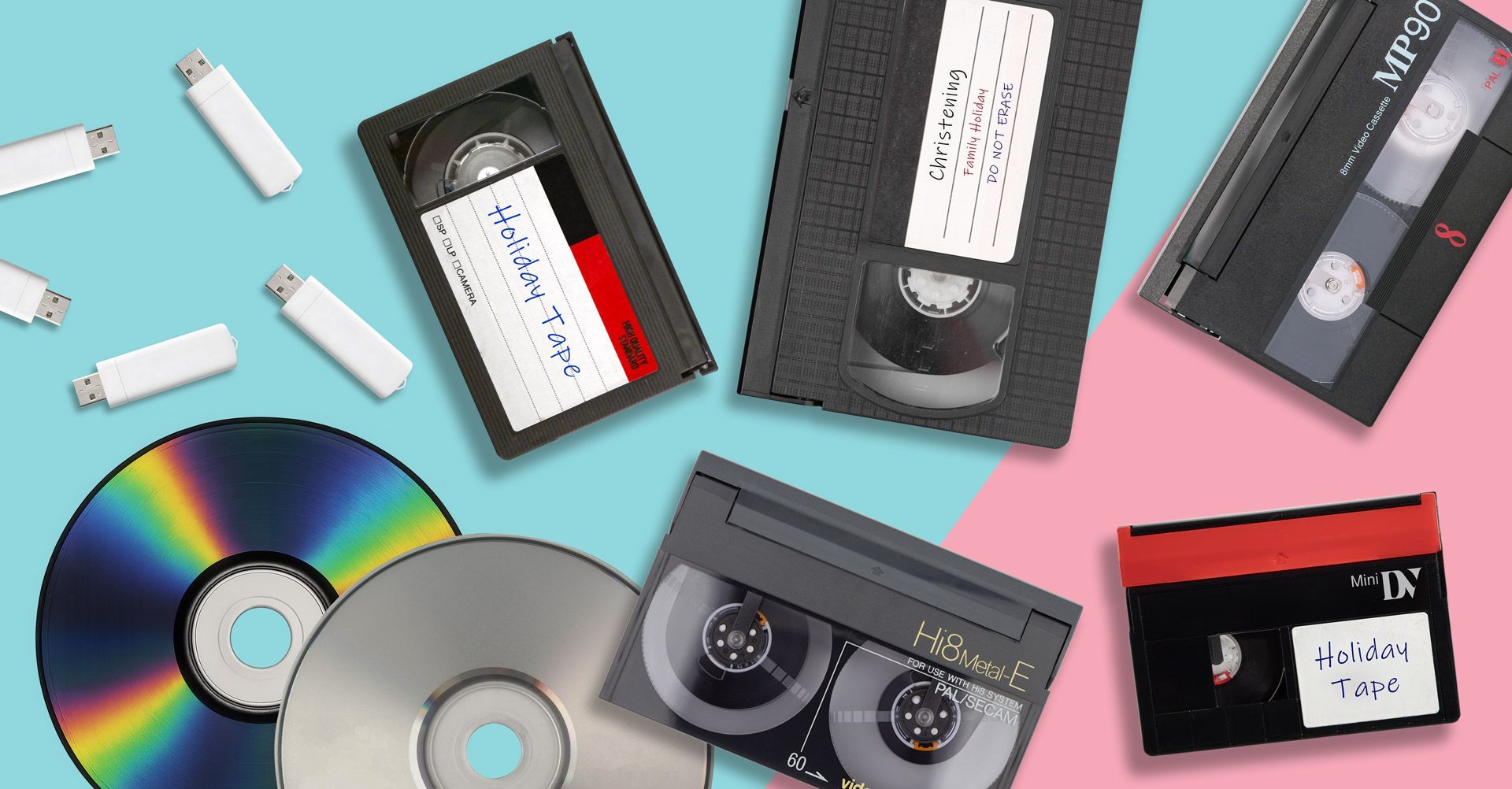
Resolution Differences Between VHS, Video8, MiniDV and Cine Film
By Graeme Buckley February 19, 2026
Compare VHS, VHS-C, MiniDV, Video8, Hi8, Digital8 and Cine Film resolution. Learn the real video quality you can recover when converting old media to digital.
How to Convert Cine Film Reels to Digital
By Graeme Buckley February 11, 2026
Learn how to convert cine film reels to digital. Discover how 8mm and Super 8 film can be scanned frame-by-frame and transferred to MP4 or USB.
How to Convert Digital8 Camcorder Tapes to Digital
By Graeme Buckley February 2, 2026
Learn how to convert Digital8 camcorder tapes to digital. Discover how to transfer Digital8 tapes to USB, MP4 or DVD and preserve your home videos.
How to Convert Hi8 Camcorder Tapes to Digital
By Graeme Buckley January 30, 2026
Learn how to convert Hi8 camcorder tapes to digital. Discover the best ways to transfer Hi8 tapes to USB, MP4 or DVD and preserve old home videos.
How to Convert Video8 Camcorder Tapes to Digital
By Graeme Buckley January 21, 2026
Learn how to convert Video8 camcorder tapes to digital. Discover how to transfer Video8 tapes to USB, MP4 or DVD and preserve old home videos.
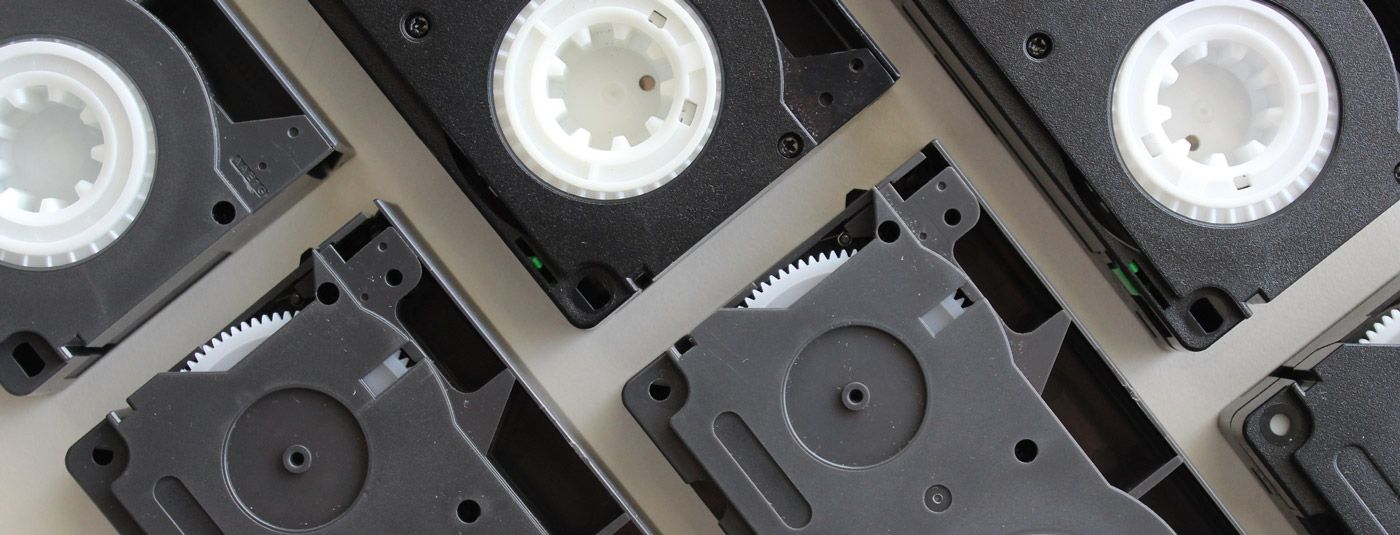
How to Convert VHS-C Camcorder Tapes to Digital
By Graeme Buckley January 8, 2026
Learn how to convert VHS-C camcorder tapes to digital. Discover the best ways to transfer VHS-C tapes to USB, MP4 or DVD and preserve old home videos.
Show More