
How to Transfer DVD to USB

During the early 2000s, DVDs became one of the most common ways to store video and digital files.


Families used DVDs for a wide range of purposes, including:


Home movies transferred from VHS tapes

Camcorder footage saved to disc

Converted cine film reels

Photo collections

Computer backups and documents


At the time, DVDs were convenient because they could be played on DVD players, computers and games consoles.


However, technology has moved on. Many modern computers no longer include DVD drives, and watching discs has become less convenient compared with USB storage and digital files.


For this reason, many people now choose to transfer DVDs to USB drives, allowing their videos and files to be easily watched, backed up and shared on modern devices.

Why People Are Converting DVDs to USB

Although DVDs were once considered reliable digital storage, they are now becoming an outdated format.


Several factors are driving the move towards USB storage.


Fewer Devices Support DVDs


Many new laptops and desktop computers are no longer manufactured with optical disc drives.


This makes it increasingly difficult to access files stored on older DVDs.


USB Storage Is More Convenient


USB drives can be plugged directly into:


  • Computers.
  • Smart TVs.
  • Media players.
  • Game consoles.


This allows videos and files to be played instantly without needing a disc drive.


DVDs Can Become Damaged


Although DVDs are digital media, they can still suffer from:


  • Surface scratches.
  • Disc read errors.
  • Gradual data deterioration.


Backing up DVDs to USB ensures the files remain accessible even if the original disc becomes damaged.

Types of DVDs That Can Be Transferred to USB

Types of DVDs That Can Be Transferred to USB

Not all DVDs contain the same type of data.


Depending on how the disc was originally created, the transfer process may vary.

Video DVDs

Many DVDs contain home video footage.


These often include recordings that were originally transferred from:


  • VHS tapes.
  • Camcorder tapes.
  • Cine film reels.


In the early 2000s, it was very common for people to convert older tapes and films onto DVD as a way of preserving them.


Today, those same DVDs are often being converted again so the footage can be stored on USB drives instead of discs.

Data DVDs

Some DVDs were used to store digital files such as:


  • Photo archives.
  • Documents.
  • Video clips.
  • Computer backups.


These types of discs usually contain standard files that can be copied directly onto a USB drive.

Music DVDs

Some DVDs were also used to store audio recordings or music collections.


When transferring these discs to USB, the audio files can be extracted and saved as modern digital formats.

Why DVD Video Transfers Are More Complex

Copying files from a data DVD is relatively straightforward.


However, video DVDs are structured differently, which makes the process more technical.


Instead of containing a single video file, a DVD movie or home video typically consists of multiple files arranged in a specific structure.


These files are usually stored inside folders such as:


  1. VIDEO_TS
  2. VOB files
  3. IFO files


To convert these into a standard digital video file, specialised software is often required.

Using HandBrake to Convert DVD Video

One of the most commonly used programs for converting DVD video into digital files is HandBrake.


HandBrake is an open-source video transcoder designed to convert video sources into modern file formats.


However, using it correctly requires several technical steps.


Typical DVD conversion process using HandBrake


  1. Insert the DVD into a computer with a DVD drive.
  2. Open the disc in HandBrake.
  3. Scan the disc to detect video titles.
  4. Choose the correct video track (some discs contain multiple titles).
  5. Select an output format such as MP4.
  6. Configure encoding settings.
  7. Choose resolution and compression settings.
  8. Start the video conversion process.


Depending on the length of the video, this process can take a considerable amount of time, especially if the disc contains long recordings.

Challenges When Converting DVDs at Home

While software such as HandBrake can convert DVDs to digital files, the process is not always straightforward.


Several common problems can occur.


Identifying the Correct Video Track


Some DVDs contain multiple titles or chapters, making it difficult to determine which one contains the full video.


Encoding Settings


Incorrect encoding settings can result in:


  • Large file sizes.
  • Poor playback compatibility.
  • Reduced video quality.


Damaged or Scratched Discs


Older DVDs may contain read errors that interrupt the conversion process.


Time-Consuming Conversions


DVD video must usually be decoded and re-encoded, which can take a significant amount of time depending on the computer being used.


Because of these challenges, many people prefer a professional transfer service to ensure the files are converted correctly.

Professional DVD to USB Transfers

Professional DVD transfers involve extracting the video or files from the disc and converting them into modern digital formats suitable for USB storage.


This ensures that the content is:


  1. Properly captured from the disc structure
  2. Converted into a compatible video format
  3. Organised and stored safely on USB media


If you have older discs that you want to preserve, you can learn more about the process on our DVD to USB transfer service page.


This service allows DVDs containing home videos, photos or files to be safely backed up to a USB drive.

DVDs That Contain Older Converted Media

One interesting trend in recent years is that many DVDs actually contain earlier analogue media conversions.


For example, DVDs created 15–20 years ago often include:


  • VHS tapes that were transferred to DVD.
  • Camcorder tapes copied to disc.
  • Cine film reels converted to DVD.


As a result, transferring DVDs to USB today is sometimes the second stage of preserving those original recordings.


If you still have the original tapes or film reels, it may also be worth digitising those directly.

Why USB Is a Better Long-Term Storage Option

Why USB Is a Better Long-Term Storage Option

Compared with DVDs, USB drives offer several advantages for storing digital files.


Higher Storage Capacity


A single USB drive can store dozens or even hundreds of DVDs worth of data.


Easy Playback


USB drives can be connected directly to modern devices such as:


  • Smart TVs.
  • Laptops.
  • Desktop computers.
  • Media players.


Easier File Backup


Files stored on USB drives can easily be copied to other storage locations for additional backup.

Preserving Your DVD Archive

DVDs played a major role in home video storage during the early digital era.


For many families they still contain important recordings, photos and files that may not exist anywhere else.


However, as disc drives disappear from modern devices, accessing those DVDs can become increasingly difficult.


Transferring DVDs to USB ensures the contents of those discs remain easy to watch, share and preserve for the future.


Digitising DVDs today provides a simple way to protect older digital archives before the discs become unreadable or the equipment needed to play them disappears.

Recent Posts

How to Transfer CDs to USB
By Graeme Buckley March 6, 2026
Learn how to transfer CDs to USB. Discover how to copy photos, files, videos and music from CDs to a USB drive for safe digital storage.
How to Convert Audio Cassette Tapes to Digital
By Graeme Buckley February 28, 2026
Learn how to convert audio cassette tapes to digital. Discover how cassette tapes can be transferred to MP3 or WAV and preserved for modern playback.
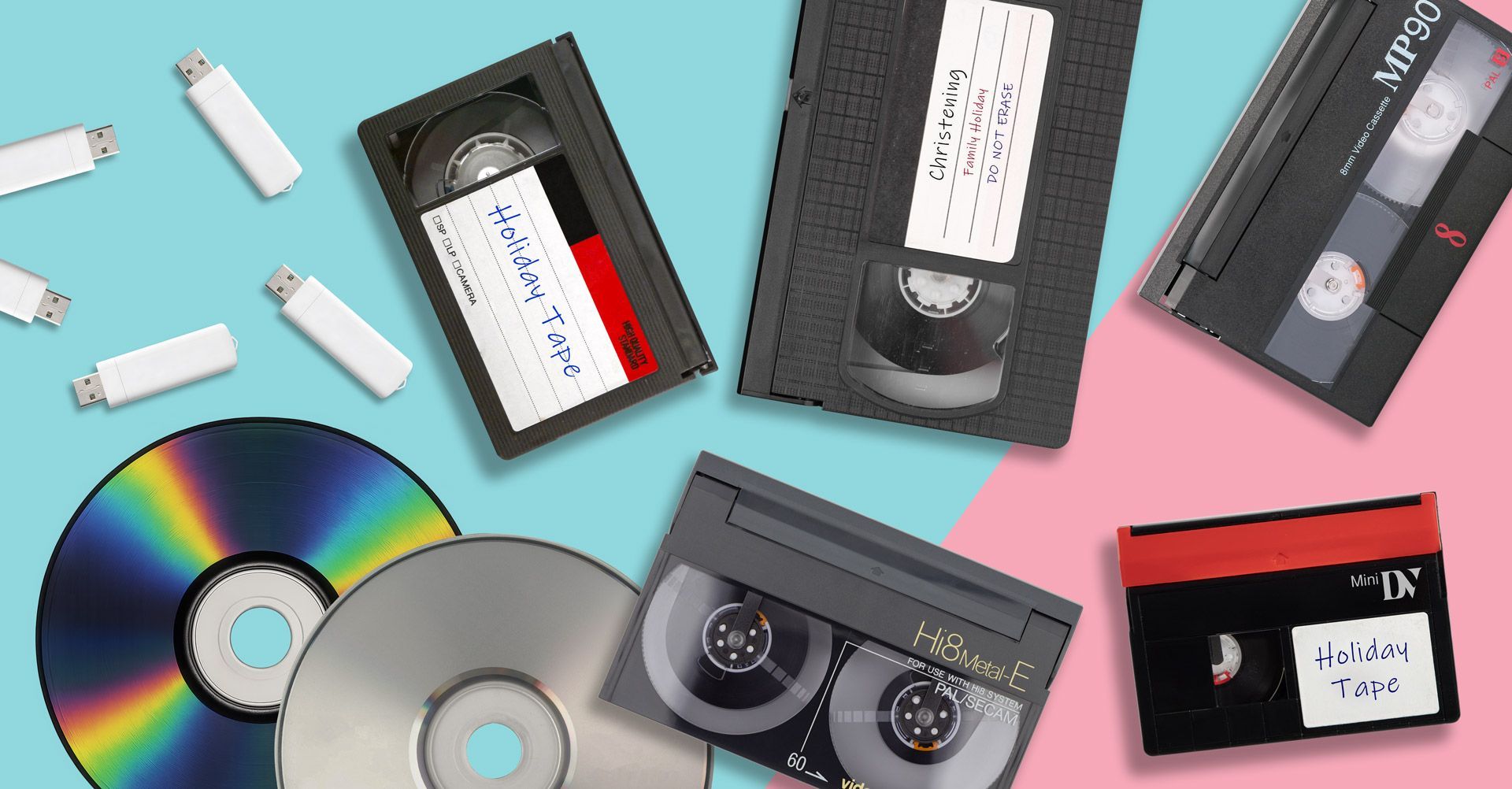
Resolution Differences Between VHS, Video8, MiniDV and Cine Film
By Graeme Buckley February 19, 2026
Compare VHS, VHS-C, MiniDV, Video8, Hi8, Digital8 and Cine Film resolution. Learn the real video quality you can recover when converting old media to digital.
How to Convert Cine Film Reels to Digital
By Graeme Buckley February 11, 2026
Learn how to convert cine film reels to digital. Discover how 8mm and Super 8 film can be scanned frame-by-frame and transferred to MP4 or USB.
How to Convert Digital8 Camcorder Tapes to Digital
By Graeme Buckley February 2, 2026
Learn how to convert Digital8 camcorder tapes to digital. Discover how to transfer Digital8 tapes to USB, MP4 or DVD and preserve your home videos.
How to Convert Hi8 Camcorder Tapes to Digital
By Graeme Buckley January 30, 2026
Learn how to convert Hi8 camcorder tapes to digital. Discover the best ways to transfer Hi8 tapes to USB, MP4 or DVD and preserve old home videos.
How to Convert Video8 Camcorder Tapes to Digital
By Graeme Buckley January 21, 2026
Learn how to convert Video8 camcorder tapes to digital. Discover how to transfer Video8 tapes to USB, MP4 or DVD and preserve old home videos.
How to Convert VHS-C Camcorder Tapes to Digital
By Graeme Buckley January 8, 2026
Learn how to convert VHS-C camcorder tapes to digital. Discover the best ways to transfer VHS-C tapes to USB, MP4 or DVD and preserve old home videos.
Why You Should Digitise Old Tapes Now
By Graeme Buckley January 2, 2026
Discover why you should digitise old VHS and camcorder tapes now. Learn how tape deterioration can destroy home videos and how digital conversion preserves them.
Show More