How to Convert Hi8 Camcorder Tapes to Digital
During the 1990s and early 2000s, Hi8 camcorders were widely used to record family videos. Many households captured important moments such as birthdays, weddings, holidays and school events on these compact camcorder tapes.
Years later, these tapes often end up stored in drawers, lofts or cupboards; sometimes forgotten until they are rediscovered during a clear-out.
The challenge many people face today is that Hi8 camcorders are no longer commonly available, and the tapes themselves are ageing.
Because Hi8 recordings are stored on magnetic tape, they will slowly degrade over time. Converting these tapes to digital formats ensures that the footage can be safely preserved and watched on modern devices.
This guide explains how Hi8 tapes work and the different ways they can be converted to digital video.
What Is a Hi8 Camcorder Tape?
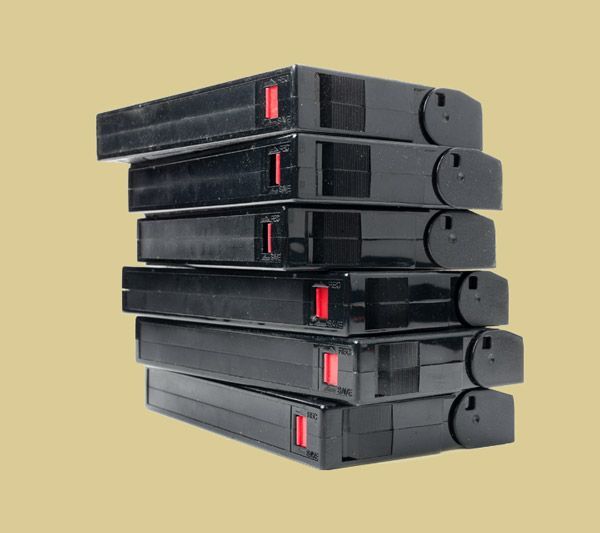
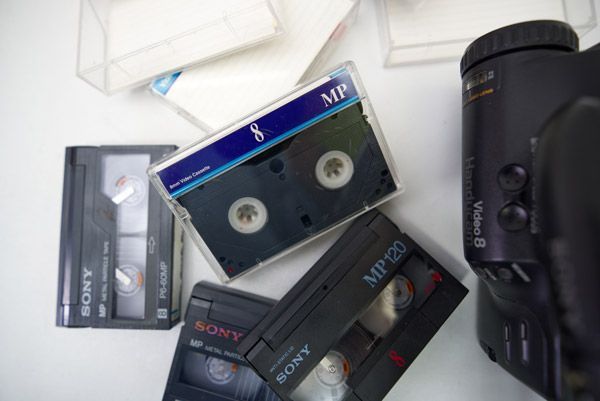
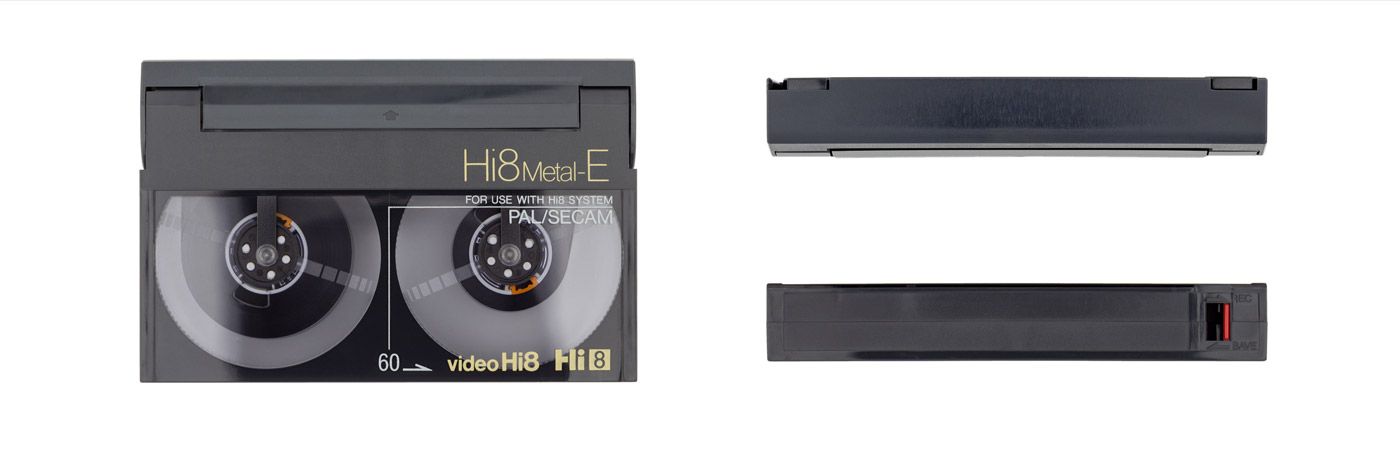
Hi8 was introduced as an improved version of the original Video8 format. It was designed to deliver better picture quality and improved audio recording while keeping the same compact cassette size.
Hi8 tapes were commonly used in Sony camcorders and became very popular throughout the 1990s.
Typical characteristics of Hi8 tapes include:
- Small camcorder cassette format.
- Analogue video recording.
- Improved resolution compared to standard Video8.
- Recording times typically ranging from 60 to 120 minutes.
Although Hi8 was considered high quality at the time, it still relies on magnetic tape technology, which naturally deteriorates over the years.

Why Hi8 Tapes Should Be Converted to Digital
Many people assume their old camcorder tapes will last indefinitely, but magnetic tapes were never designed for long-term archival storage.
Several issues can develop as tapes age.
Tape Degradation
The magnetic layer that stores the video signal can weaken over time, leading to picture distortion or dropouts.
Equipment Obsolescence
Hi8 camcorders are no longer manufactured, and working models are becoming increasingly rare.
Playback Risks
Repeated playback on ageing camcorders can sometimes damage fragile tapes.
Digitising Hi8 tapes removes the reliance on outdated hardware and protects the footage before deterioration occurs.
More information on why you should convert your all of old tapes to digital can be read on our why you should digitise old tapes now article.
Ways to Convert Hi8 Tapes to Digital
If you still own a working Hi8 camcorder, it may be possible to transfer the footage to a computer using video capture equipment.
This process usually involves:
- Connecting the camcorder to a capture device.
- Playing the tape in real time.
- Recording the video signal onto a computer.
Equipment typically required:
- A functioning Hi8 camcorder.
- AV output cables.
- A USB video capture device.
- Video capture software.
While this approach can work, it often requires older equipment that many people no longer have.
Using a Digital8 Camcorder
Some Digital8 camcorders are capable of playing older Hi8 tapes and outputting a digital signal.
In certain cases, this can make transferring footage slightly easier if compatible equipment is available.
However, Digital8 camcorders are also becoming difficult to find and may suffer from similar reliability issues as older Hi8 models.
Professional Hi8 Tape Conversion
For many people, the most practical solution is using a specialist transfer service.
Professional equipment is designed to safely play ageing tapes and capture the footage at stable quality.
This avoids the risk of damaging the tape using older camcorder hardware.
You can learn more about this process on our Hi8 to Digital conversion service page.
Choosing a Digital Format for Your Hi8 Videos
Once Hi8 tapes have been digitised, the recordings can be provided in several different formats depending on how you want to watch them.
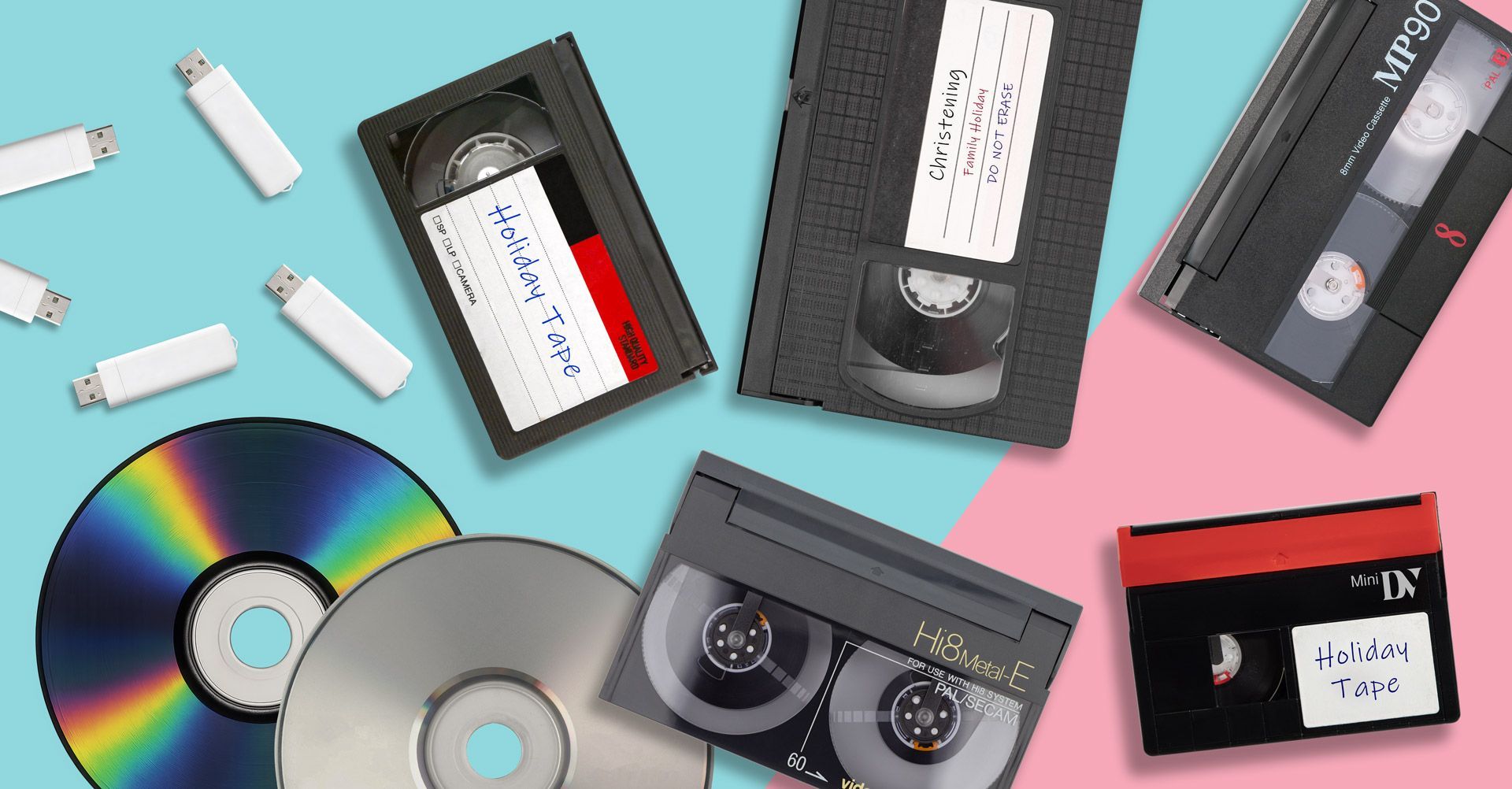
Hi8 to USB
USB drives are a convenient way to store digital video files.
Once converted, the videos can be plugged directly into a computer or smart TV for playback.
Our Hi8 to USB conversion service provides digital files that can be easily copied, backed up and shared with family members.
Hi8 to MP4
MP4 is one of the most widely supported video formats available today.
MP4 files can be played on almost all modern devices including computers, tablets, smartphones and smart TVs.
More information can be found on our Hi8 to MP4 conversion page.
Hi8 to DVD
Some people still prefer DVDs for watching videos on a television.
DVD copies can also provide a physical backup of your recordings.
Our Hi8 to DVD transfer service explains how Hi8 footage can be converted into DVD format.
How Long Do Hi8 Tapes Last?
Most magnetic camcorder tapes were originally expected to last 10 to 30 years under ideal storage conditions.
However, factors such as humidity, temperature fluctuations and poor storage environments can shorten their lifespan.
Common signs of deterioration include:
- Static or distortion in the picture.
- Colour fading.
- Audio glitches.
- Playback instability.
If tapes are already showing these symptoms, it is usually best to convert them as soon as possible.

Preserving Your Hi8 Home Videos
Hi8 tapes often contain irreplaceable family memories recorded decades ago.
Unfortunately, both the tapes and the equipment used to play them are becoming increasingly difficult to maintain.
Digitising Hi8 tapes ensures that those recordings remain accessible for the future.
Once converted to digital formats, your videos can be safely stored, duplicated and shared with family members without relying on ageing camcorder technology.
If you still have Hi8 tapes stored away, converting them to digital formats now is the best way to protect those memories before time causes permanent damage.