USB vs DVD for VHS Transfers

When converting old VHS tapes, one of the most common questions people ask is:


Should I transfer my VHS tapes to USB or DVD?


Both formats allow your old home videos to be preserved and watched without needing a VHS player. However, each option has its own advantages depending on how you want to watch, store and share your recordings.


In this guide we’ll explain the differences between USB and DVD for VHS transfers, helping you decide which format is best for preserving your home videos.

Why People Convert VHS Tapes

VHS tapes were once the standard way to watch and record video at home. But as technology has evolved, VHS players have become increasingly rare.


In addition, VHS tapes use magnetic tape technology, which gradually deteriorates over time.


Common problems with ageing VHS tapes include:


  • Fading picture quality.
  • Audio distortion.
  • Tape stretching.
  • Mould damage.


Because of this, many families now choose to convert VHS tapes to digital formats before the recordings are lost.


Our guide on VHS vs Digital Video Quality explains how analogue tapes compare to modern digital video.

What Is a VHS to DVD Transfer

What Is a VHS to DVD Transfer?

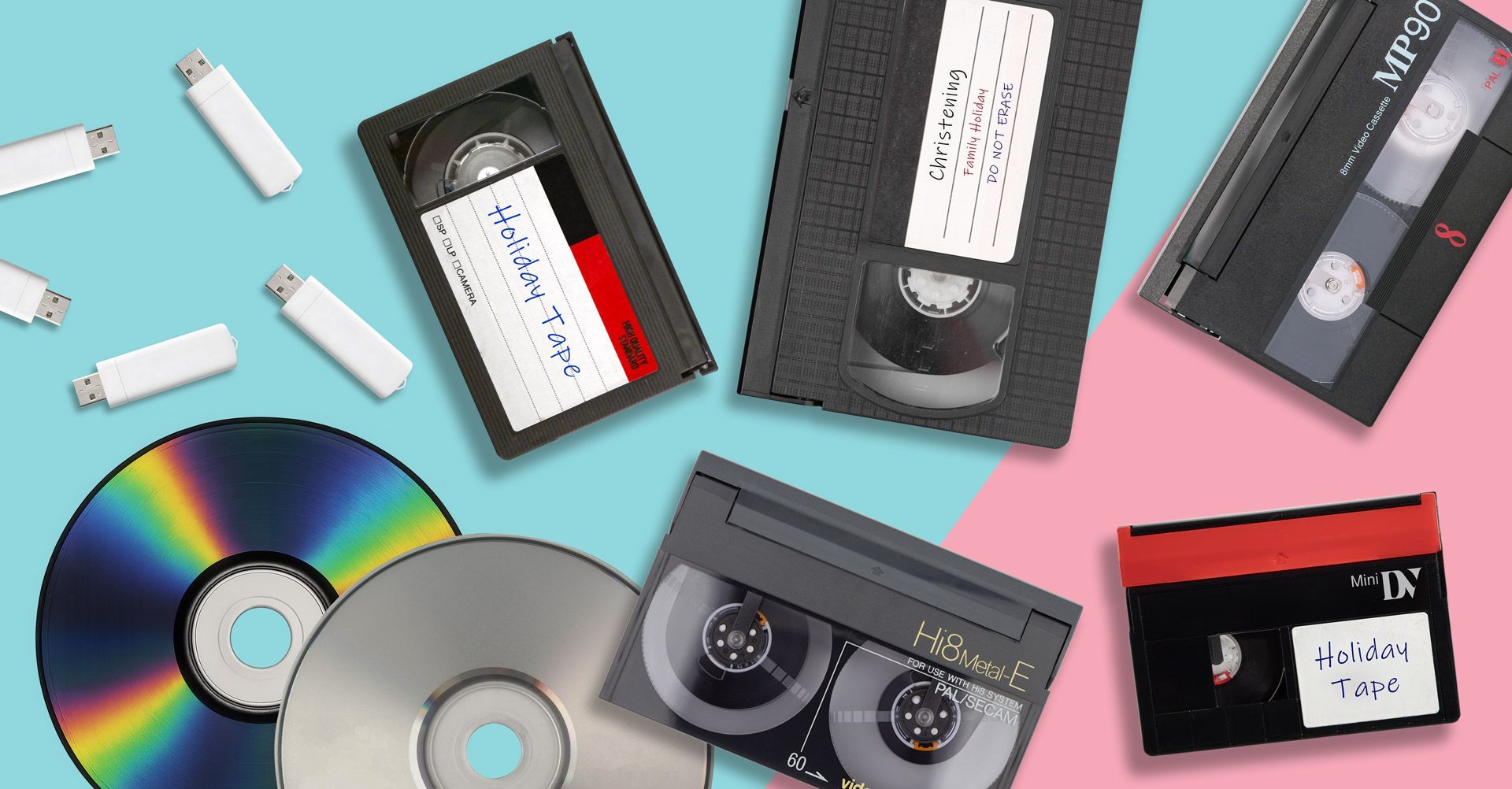
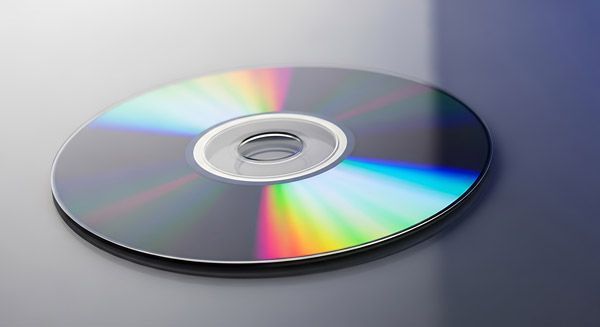
A VHS to DVD transfer converts the video from a VHS tape onto a DVD disc.


Once transferred, the DVD can be played on devices such as:


  1. DVD players.
  2. Some laptops and computers.
  3. Older gaming consoles.


DVDs were once the most common format for preserving home videos because they were easy to watch on televisions.


However, technology has changed significantly since DVDs were first introduced.

Advantages of VHS to DVD Transfers

DVDs can still be useful for certain situations.


Simple Playback


DVDs can be inserted into a DVD player and watched immediately on a television.


Physical Backup


Some people prefer having a physical copy of their recordings.


Familiar Format


Many households already understand how to use DVDs, making them a simple way to watch transferred videos.

Limitations of DVDs

Despite their convenience, DVDs also have several limitations.


Limited Storage


A standard DVD typically holds around 2 hours of video.


If you have multiple VHS tapes, this may require several discs.


Risk of Scratches


DVD discs can easily become scratched or damaged, which may affect playback.


Declining Compatibility


Many modern laptops and computers no longer include DVD drives, making discs less practical than they once were.


Because of these limitations, many people now prefer USB transfers.

What Is a VHS to USB Transfer

What Is a VHS to USB Transfer?

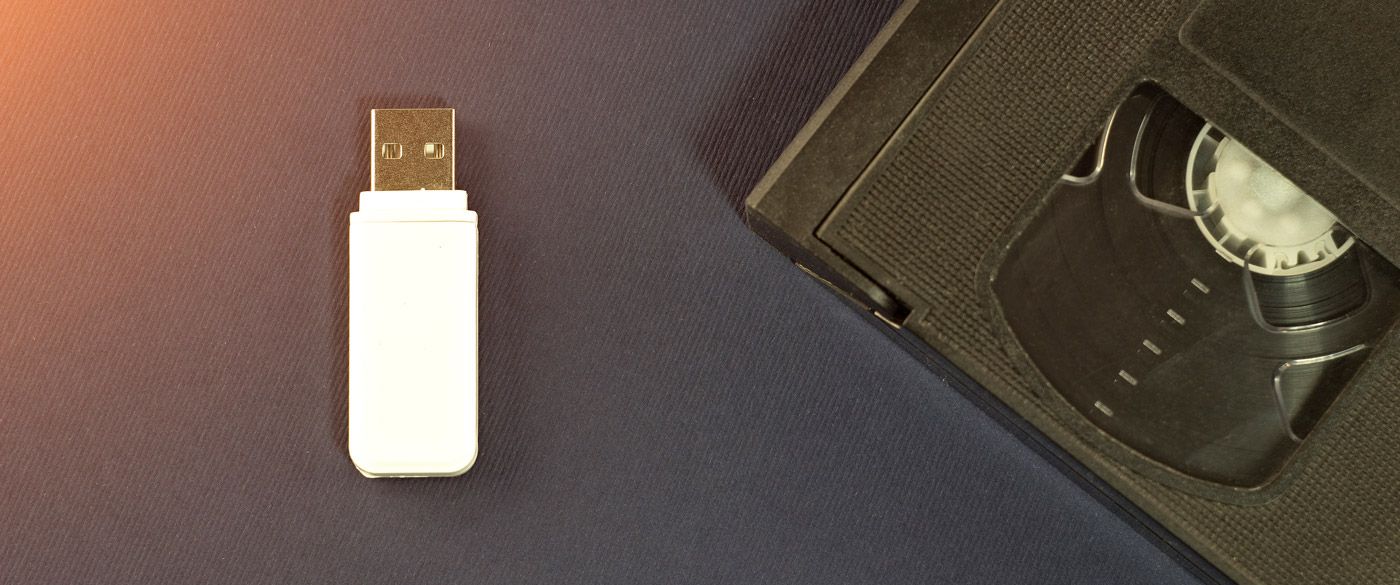
A VHS to USB transfer converts your VHS recordings into digital video files stored on a USB flash drive.


These files can usually be played in formats such as MP4, making them compatible with most modern devices.


USB transfers allow you to watch your videos on:


  1. Computers.
  2. Smart TVs.
  3. Laptops.
  4. Tablets.
  5. Smartphones.


Many people choose VHS to USB conversion because it offers the most flexibility when watching and storing home videos.

Advantages of USB Transfers

USB drives have become one of the most popular formats for VHS conversion.


Works With Modern Devices


Most modern devices include USB ports, making playback very easy.


Easy to Copy and Backup


Digital files can be copied onto other devices or backed up to cloud storage.


No Disc Damage


Unlike DVDs, USB drives cannot be scratched during normal use.


Convenient Storage


A single USB drive can store multiple VHS transfers without requiring stacks of discs.

Digital File Formats (MP4)

Many VHS conversions today are delivered as MP4 video files, one of the most widely supported digital formats.


MP4 files can be played on:


  1. Windows computers.
  2. Mac computers.
  3. Smart TVs.
  4. Mobile devices.


For this reason, many people choose VHS to MP4 conversion when digitising their tapes.

USB vs DVD: Which Is Better?

Both formats have their place, but most people now prefer USB transfers.


Here is a quick comparison:

Feature USB Transfer DVD Transfer
Playback devices Computers, TVs, phones DVD players
Storage capacity High Limited
Risk of damage Low Scratches possible
File sharing Easy Difficult
Long-term use More future-proof Becoming outdated

For long-term preservation and convenience, USB transfers are generally the better option.

Why Digitising VHS Tapes Matters

Even if your VHS tapes still play today, they will not last forever.


Magnetic tape gradually deteriorates, which means your recordings may eventually become unwatchable.


Converting your tapes using a VHS to Digital transfer service preserves the original recordings and allows them to be watched on modern devices.


Once digitised, your videos can be easily copied and shared with family members.

Protect Your Family Memories

Old VHS tapes often contain priceless family memories; birthdays, weddings, holidays and childhood moments recorded many years ago.


Choosing the right format for your VHS transfer helps ensure those memories remain accessible for years to come.


For most people today, USB and digital file formats provide the most flexible and future-proof way to store home videos.


Digitising your tapes now ensures your recordings are protected before age and deterioration cause permanent damage.

Recent Posts

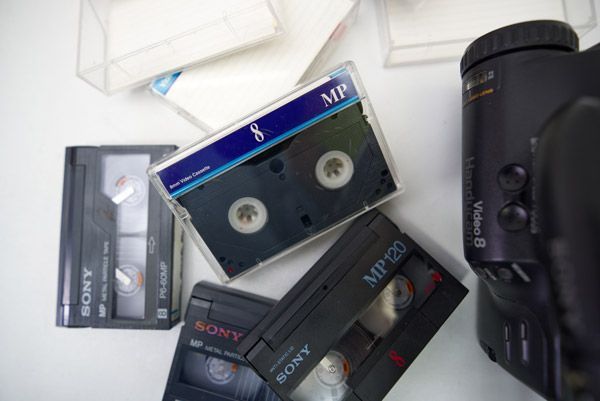
How to Convert Video8 Camcorder Tapes to Digital
March 13, 2026
Learn how to convert Video8 camcorder tapes to digital. Discover how to transfer Video8 tapes to USB, MP4 or DVD and preserve old home videos.
How to Convert VHS-C Camcorder Tapes to Digital
March 12, 2026
Learn how to convert VHS-C camcorder tapes to digital. Discover the best ways to transfer VHS-C tapes to USB, MP4 or DVD and preserve old home videos.
Why You Should Digitise Old Tapes Now
March 10, 2026
Discover why you should digitise old VHS and camcorder tapes now. Learn how tape deterioration can destroy home videos and how digital conversion preserves them.
How Much Does VHS to Digital Cost?
March 9, 2026
How much does VHS to digital conversion cost? Learn typical VHS transfer prices, what affects the cost and the best way to convert VHS tapes.
VHS vs Digital Video Quality
March 6, 2026
Compare VHS vs digital video quality. Learn the differences between VHS tapes and digital video, and why converting VHS to digital preserves your recordings.
MiniDV Tapes Explained (And How to Watch Them Today)
March 3, 2026
What are MiniDV tapes and how can you watch them today? Learn how MiniDV camcorder tapes work and the best ways to convert MiniDV to digital.
How to Store VHS Tapes Properly
March 1, 2026
Learn how to store VHS tapes properly to prevent damage and deterioration. Discover the best ways to protect old VHS tapes and preserve your home videos.
Learn how to convert camcorder tapes to digital
February 28, 2026
Learn how to convert camcorder tapes to digital. Discover the best ways to digitise Video8, Hi8, MiniDV and VHS-C tapes to preserve your old home videos.
Do VHS Tapes Deteriorate Over Time?
February 18, 2026
Do VHS tapes deteriorate over time? Learn how long VHS tapes last, why they degrade, and how converting VHS to digital can preserve your memories.
What Is VHS-C and How Do You Play It?
February 3, 2026
What is VHS-C? Learn how VHS-C camcorder tapes work, how to play them today, and the best way to convert VHS-C tapes to digital formats.
Show More